Capture
Save the thing before you lose it
Use Share to Tote, send in a screenshot, paste a link, or use the Action Button when you want to keep moving.
Tote starts with the things already scattered across your iPhone or iPad: screenshots, links, posts, photos, and places you want to come back to.

The core loop
Capture
Use Share to Tote, send in a screenshot, paste a link, or use the Action Button when you want to keep moving.
Understand
Tote keeps the original reference, then adds a title, summary, source context, category, and useful details when it can detect them.
Use
Search by what you remember, add it to a list, ask questions, share it, or use extracted details for reminders and calendar follow-ups.
Demo: sharing
This is the fastest everyday capture path. You stay in the app where you found the thing, send it to Tote, and let Tote handle the rest.
Demo: screenshots
Screenshots are useful because they are fast, but they are hard to find later. Tote keeps the image and adds context around it.
Save the screenshot from any app. Tote reads what is in it, adds context, and keeps it searchable with your lists, links, notes, and details.
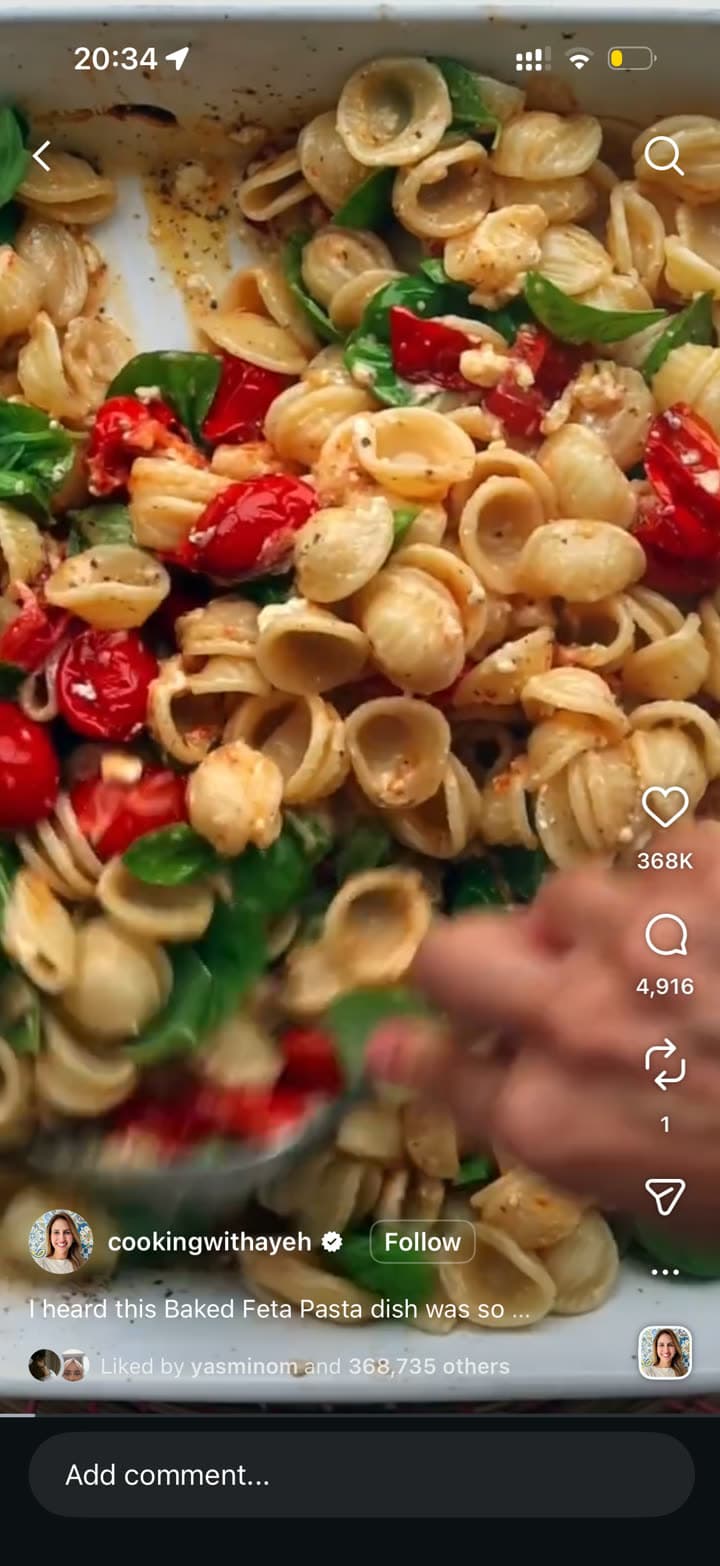
Share to Tote
Tote pulls out the dish, ingredients, cooking notes, and the list where it belongs.
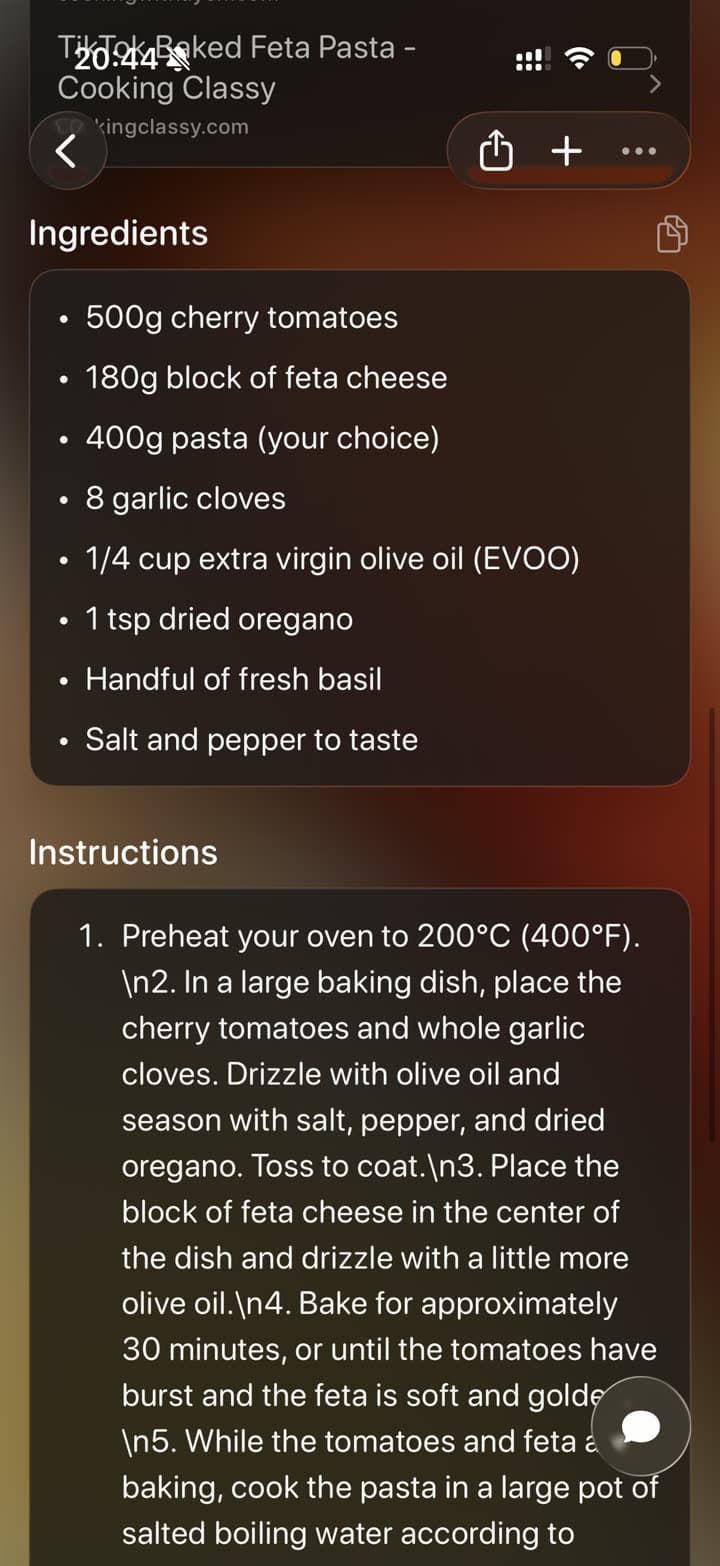
What gets added
The point is not just storing more stuff. The point is making the save easier to recognize, search, and use later.
Tote can read text in screenshots and photos so a flat image becomes searchable by the words inside it.
Links and shared posts can carry source details like title, preview image, URL, app context, and creator or page information.
When the save contains a place, product, recipe, event, article, or date, Tote can shape those details into something easier to act on.
A finished Tote can support search, lists, sharing, chat, reminders, and calendar follow-ups depending on what was saved.
High-level technical flow
At a high level, Tote separates capture, processing, enrichment, and organization so each save can move from messy input to useful output.
The input can be a shared URL, post, image, screenshot, photo, or Action Button capture from iPhone.
Tote receives the file or link with basic client context, creates the save, and keeps enough source data to process it reliably.
The processing layer reads visible text, link metadata, media details, and structured clues from the original save.
Tote adds a readable title, summary, category, and domain-specific details like places, products, recipes, dates, and links.
The enriched Tote becomes available in search, lists, maps, chat, sharing, and follow-up surfaces.
After it is saved
The save becomes part of your working library, so you can come back when the idea becomes a plan.
Search for the restaurant, outfit, article, product, or phrase you remember.
Group Totes into lists for a trip, gift search, recipe queue, event, or project.
Share one Tote or a whole list without making someone scroll through screenshots.
Turn details into reminders or calendar follow-ups when a save has a time-sensitive next step.
These workflow guides show how Tote fits when the real problem is screenshot clutter, scattered links, or early trip research.
If your camera roll has turned into a holding pen for receipts, recipes, places, and random ideas, this guide shows a cleaner workflow for keeping the useful screenshots and finding them later.
The hard part is rarely finding something good. It is keeping the link, post, or page in a way that still makes sense two weeks later. This guide covers a better save workflow.
Trip planning usually starts as fragments scattered across your phone. This guide shows how to turn those saves into a shortlist before the itinerary gets formal.
Learn the fastest capture flows, or read the FAQ before installing.