Turn related Totes into a plan
Keep saved places, videos, screenshots, and links together by trip, project, or idea.
Tote is the iPhone and iPad app for the screenshots, TikToks, Instagram finds, links, photos, recipes, restaurants, outfits, books, and trip ideas you meant to come back to. Save them in one place, then find them by what they are about.
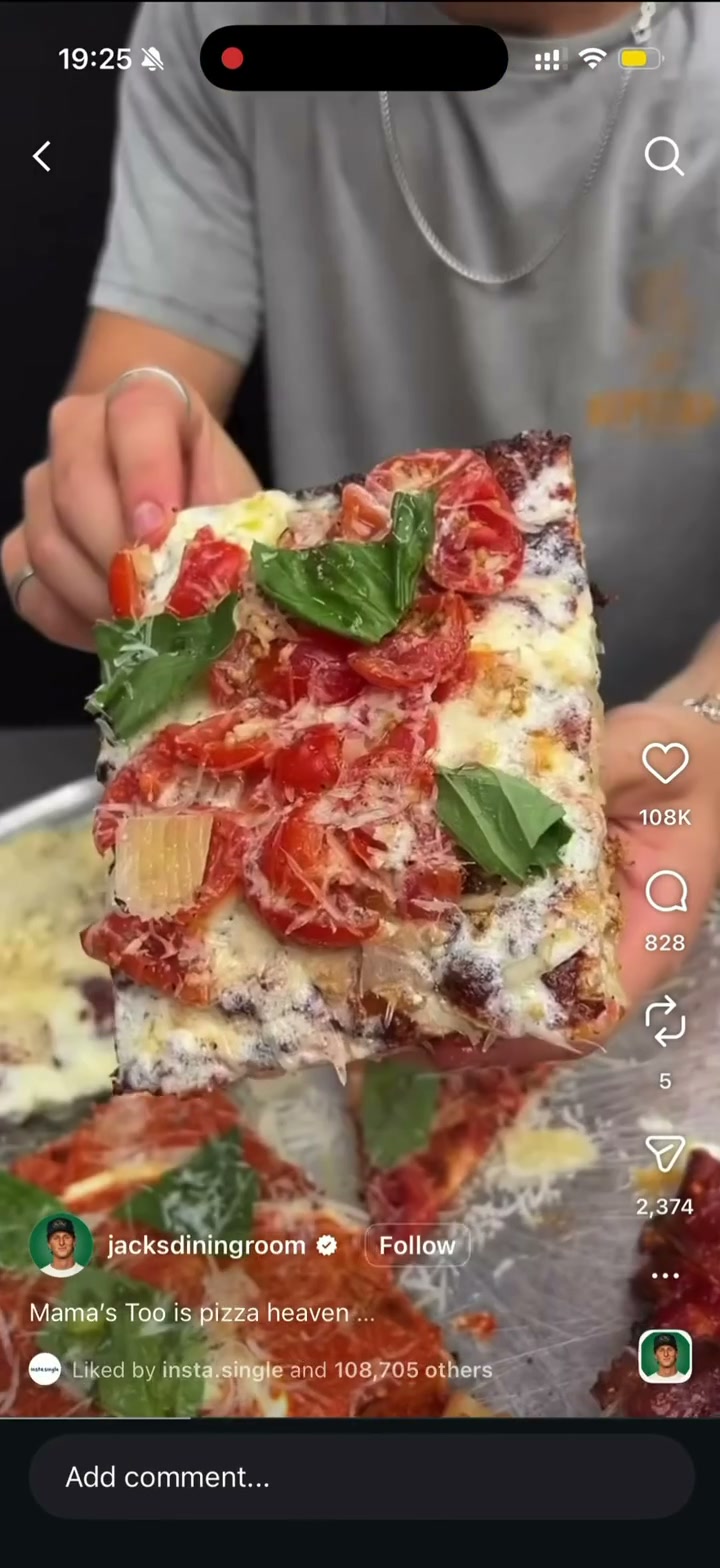
Save Instagram Reels, TikToks, Facebook Reels, Pinterest posts, X posts, Reddit posts, recipes, restaurants, outfit ideas, and product finds to Tote from the share sheet on iPhone or iPad. Tote turns messy social saves into searchable saves with titles, source links, and useful details so you can find them later.
Use each app's built-in saves for casual browsing, then send the posts and videos you actually need back to Tote. Your social finds can sit beside screenshots, Safari links, photos, and lists in one organized place.
Save the screenshot from any app. Tote reads what is in it, adds context, and keeps it searchable with your lists, links, notes, and details.
Share to Tote
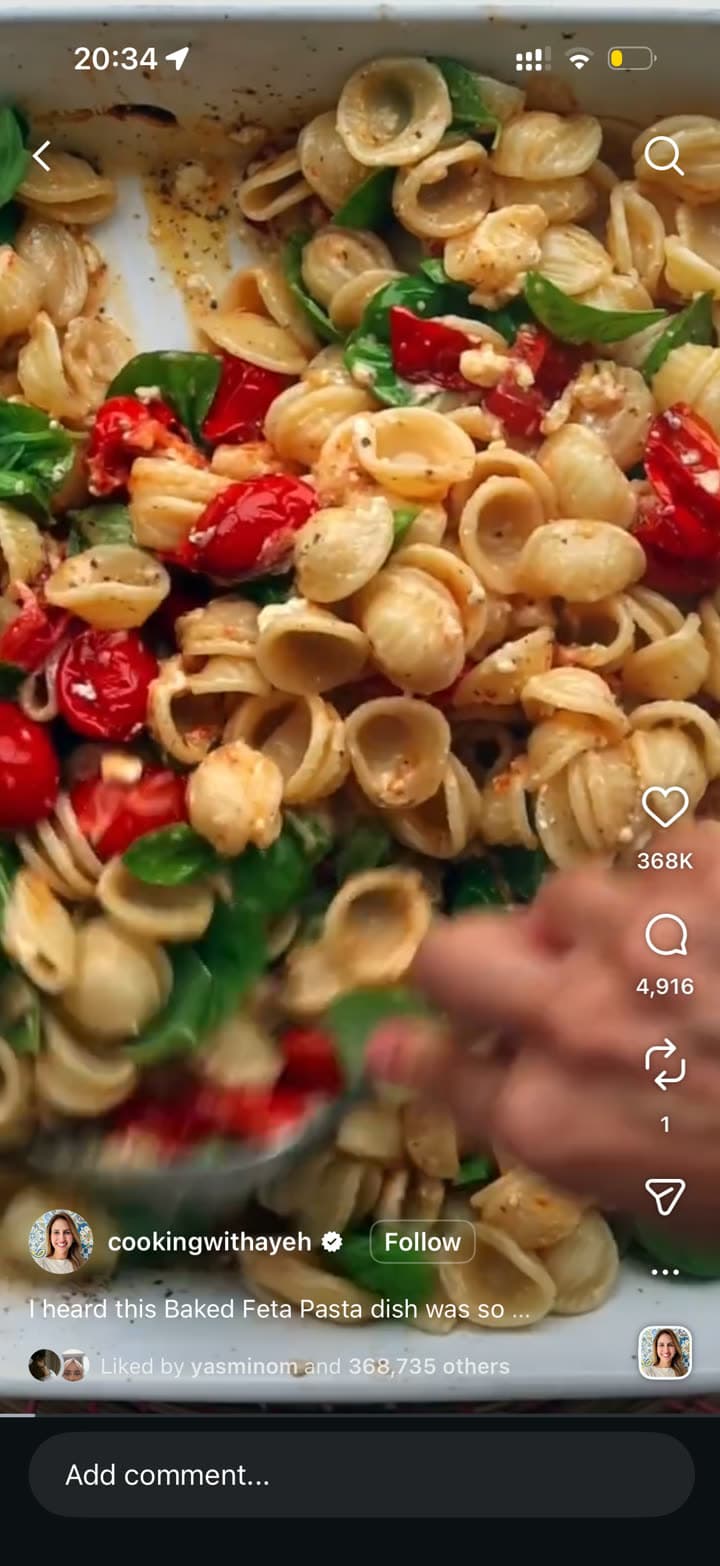
Tote pulls out the dish, ingredients, cooking notes, and the list where it belongs.
Tote for Chrome
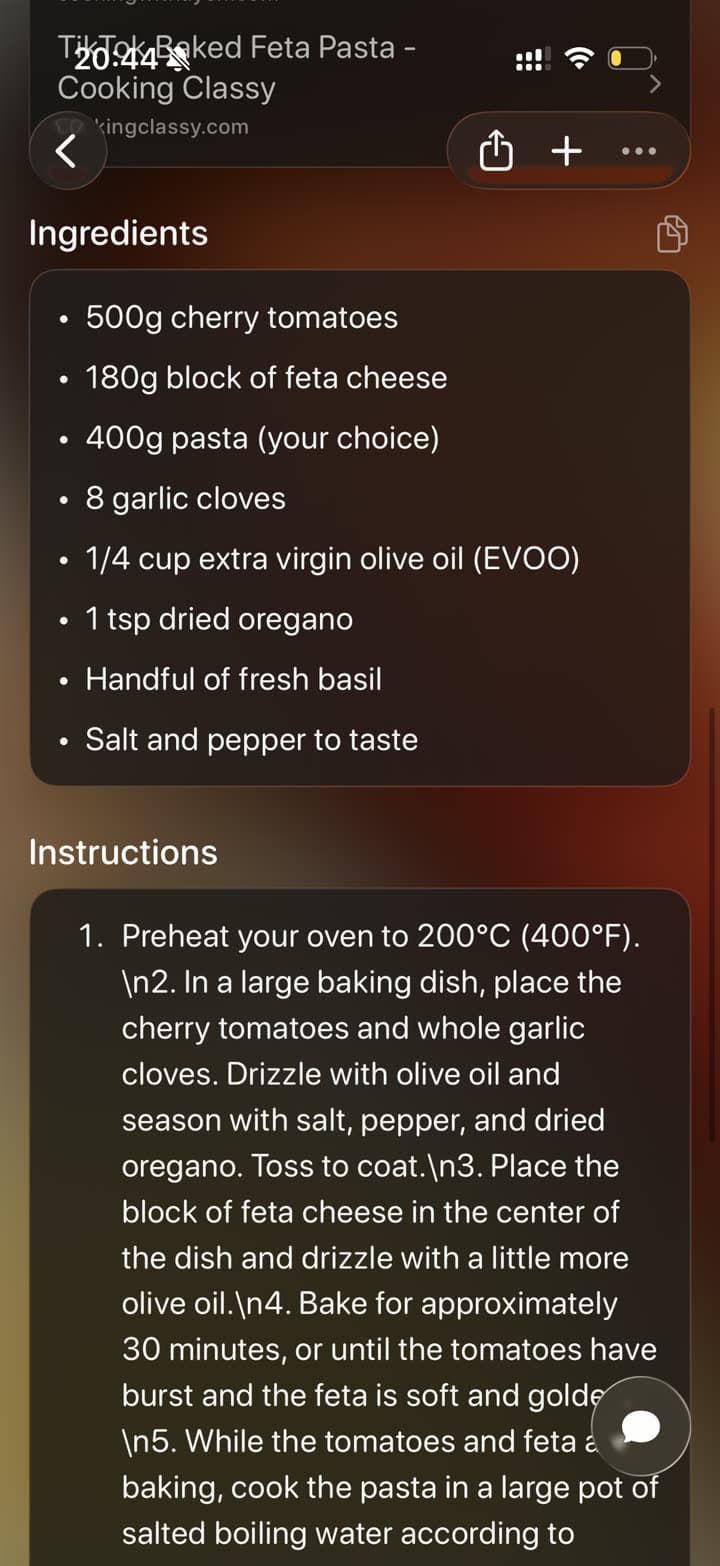
One click saves the page you are viewing with its useful context in the same searchable Tote library.
Add it to a list or set a reminder without leaving the tab, then find and manage it in Tote on iPhone or iPad.
Tote in your favorite AI
Connect Tote to the assistant you already use, then search your saved places, recipes, products, and lists in the conversation.
Tote turns screenshots, links, posts, places, and photos into saved items you can organize, map, search, and use later.
Build lists for trips, recipes, outfits, restaurants, shopping, watch lists, and plans.
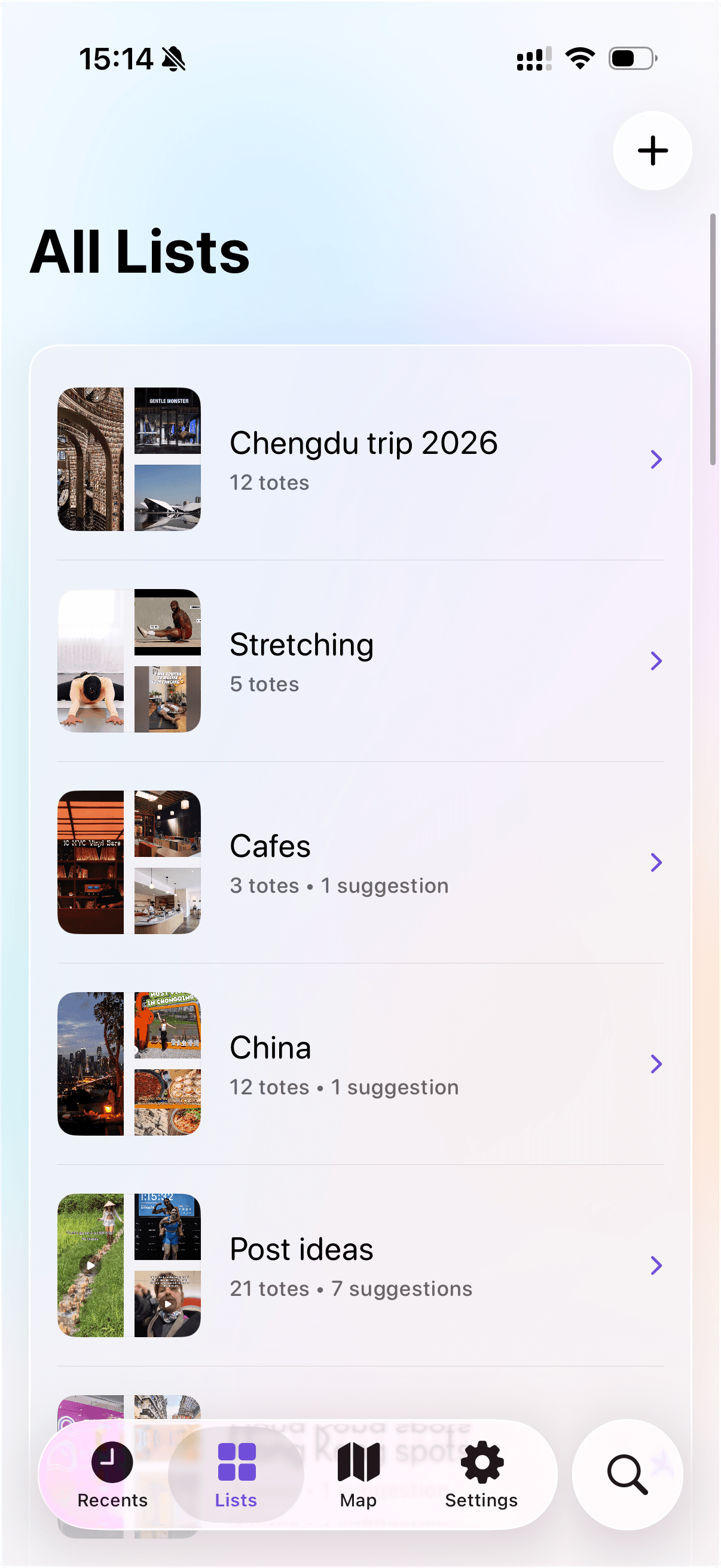
Turn related Totes into a plan
Keep saved places, videos, screenshots, and links together by trip, project, or idea.
See what each list contains
Preview counts, suggestions, and saved items before opening a list.
Keep plans moving
Use lists for restaurants, outfits, recipes, shopping, watch lists, and travel ideas.
Share lists with friends
Send a list to friends so everyone can use the same saved places, ideas, and plans.
Save from the apps you already use, let Tote add context, then come back when you need it.
Step 1
Send screenshots, links, posts, photos, and places to Tote from your iPhone or iPad, or save the current page from Chrome.
Step 2
Tote adds searchable context like titles, summaries, sources, and useful details.
Step 3
Find Totes later, group them into lists, share them, or turn details into next steps.
Start with the highest-intent Tote workflows: screenshot organization, Instagram Reels, TikToks, and social saves on iPhone and iPad.
If your camera roll has turned into a holding pen for receipts, recipes, places, and random ideas, this guide shows a cleaner workflow for keeping the useful screenshots and finding them later.
Instagram bookmarks have no search, downloads strip the audio, and screen recordings are unwieldy. This guide covers every save method and a workflow that keeps your Reel finds organized.
TikTok is great at surfacing finds but bad at helping you retrieve them later. This guide covers the real options and a workflow that keeps your saves useful.
If your saved posts live across Instagram, TikTok, Pinterest, Safari, screenshots, and links, this guide shows how to keep casual saves in the source apps and move important finds into one searchable iPhone workflow.
The short version of what Tote does, how it works, and what to expect.
Tote is built for screenshots, links, photos, and finds from apps like TikTok, Instagram, Safari, and Maps. People use it for places, products, recipes, events, articles, and whatever else they want to come back to later.
You can share a post or link to Tote, use your Action Button for a faster capture flow, or save a screenshot when there is no clean link to send.
Yes. Tote works with screenshots and photos when something only exists on-screen or there is no link to share. Tote can still pull out useful details and keep it searchable.
Tote uses AI to help pull out titles, categories, source links, and useful details from what you save so your Totes are easier to search and browse later.
You can search for it, chat with it, add it to a list, share it with someone else, or use extracted details for reminders and calendar follow-ups.

Get Tote for iPhone and save screenshots, links, and finds from TikTok, Instagram, Safari, and more.
