Tote Help
Help with Share to Tote
Choose a quick video guide below. Each walkthrough includes captions, written steps, and fixes for the most common problems.
Choose a guide
Set up your device once, then learn the exact sharing flow for the apps you use most.
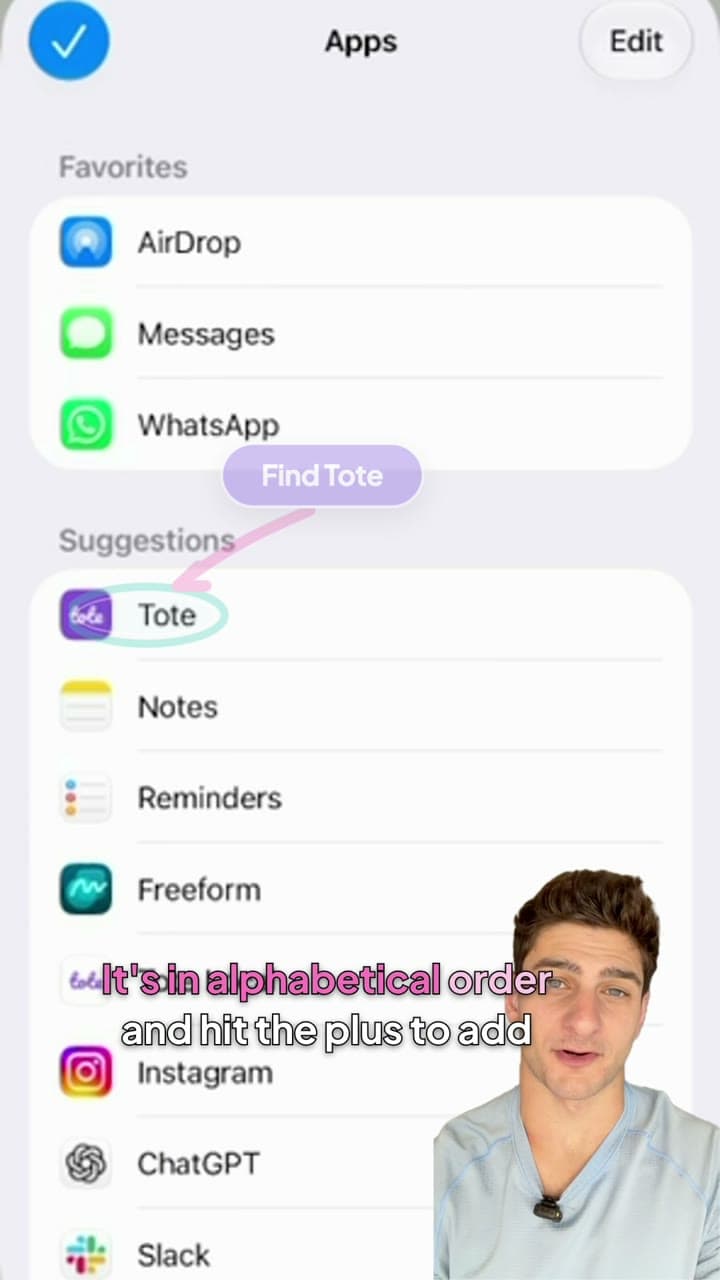
Start here
Set up Share to Tote
Add Tote to your share sheet and move it near the top so it is always one tap away.
Watch the guide →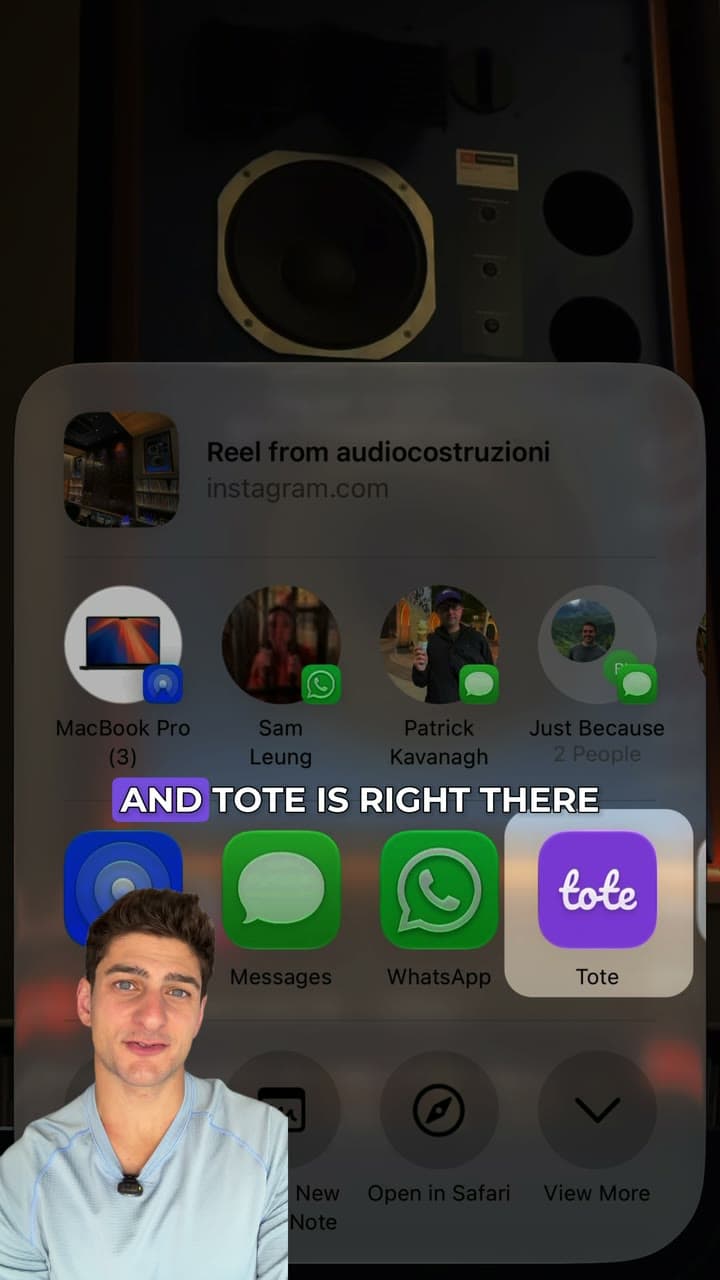
Share from Instagram
Save an Instagram Reel or post to Tote, add it to a list, and find it again later.
Watch the guide →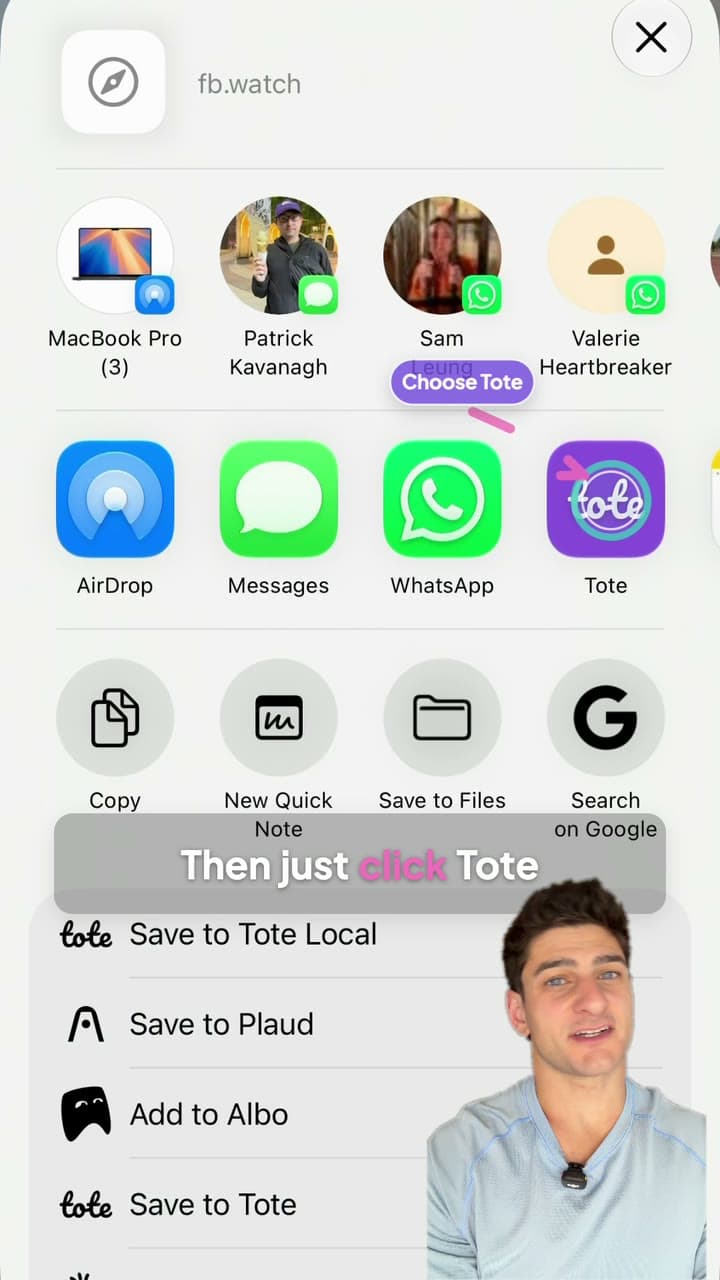
Share from Facebook
Send a Facebook Reel, video, or post to Tote and keep its useful details close at hand.
Watch the guide →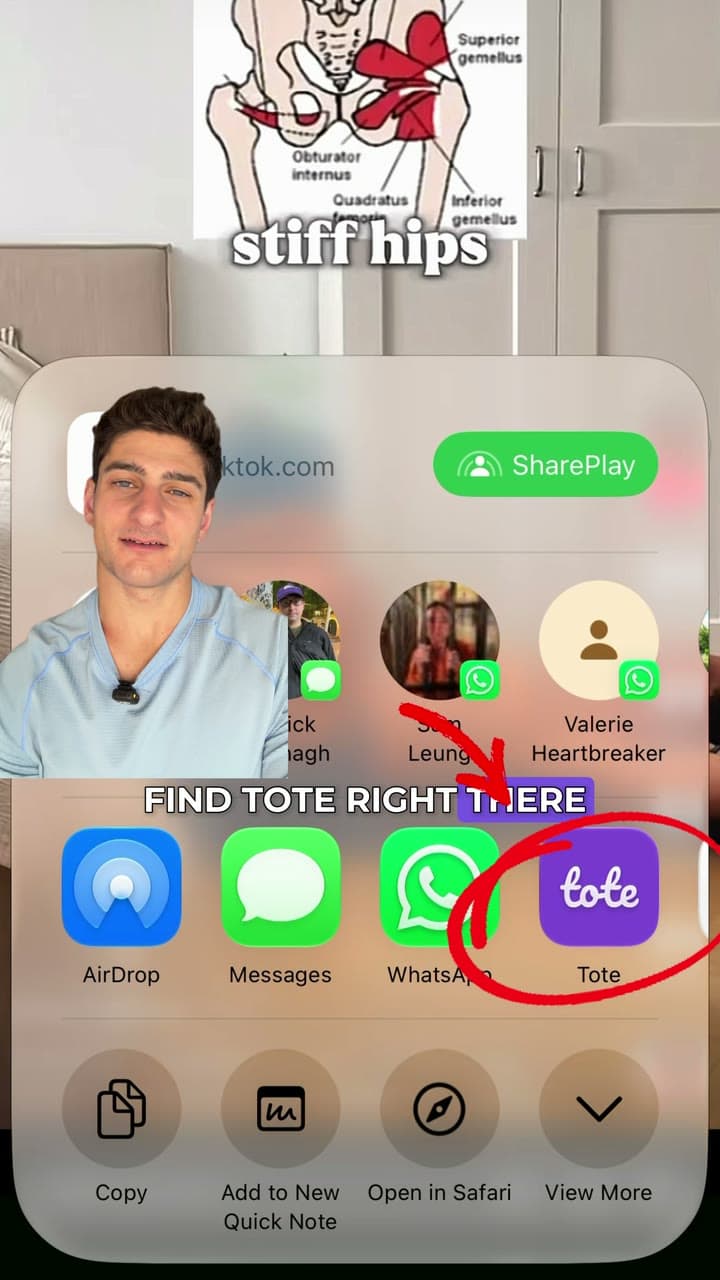
TikTok
Share from TikTok
Save a TikTok video to Tote, organize it in a list, and reopen the original post later.
Watch the guide →Want to learn more about sharing?
See what Tote keeps from a shared item and how it makes your saves easier to find later.