Disclosure: this article is published by the team that builds Tote. Tote is included as one option. Every other app and platform mentioned is a third party we have no affiliation with.
Quick answer: iPhone does not have one Saved items folder. What you tapped Save on usually lives in the app you used.
| You saved… | Look here |
|---|---|
| A TikTok | TikTok → Profile → bookmark (Favorites) |
| An Instagram post or Reel | Instagram → Profile → menu → Saved |
| A Facebook post | Facebook → menu → Saved |
| An X (Twitter) bookmark | X → profile picture → History → Bookmarks |
| A LinkedIn post | LinkedIn → profile picture → Saved posts |
| A webpage | Safari → book icon → Reading List or Bookmarks |
| A file from Safari | Files → Browse → Downloads |
| A photo or screenshot | Photos → Recents or Screenshots |
| A place | Maps → Library, Favorites, Guides, or Recents |
| A note | Notes |
| A recording | Voice Memos |
If you only viewed something in Messages or Mail, it is not saved yet. Tap Save Image or Save to Files. Spotlight—swipe down on the Home Screen—finds Apple apps, some files, and third-party apps that opted in. It does not search TikTok Favorites, Instagram Saved, Facebook Saved, X Bookmarks, or LinkedIn Saved posts.
Saved is not the same as downloaded
A download makes a file. It usually lands in Files → Downloads, or in Photos when it is an image.
Save, Favorite, Bookmark, and Add to Reading List usually create a pointer inside an app or account. Nothing new appears in Files. Signing out, switching accounts, or the creator deleting a post can make that pointer vanish. That is why searching Files often turns up nothing.
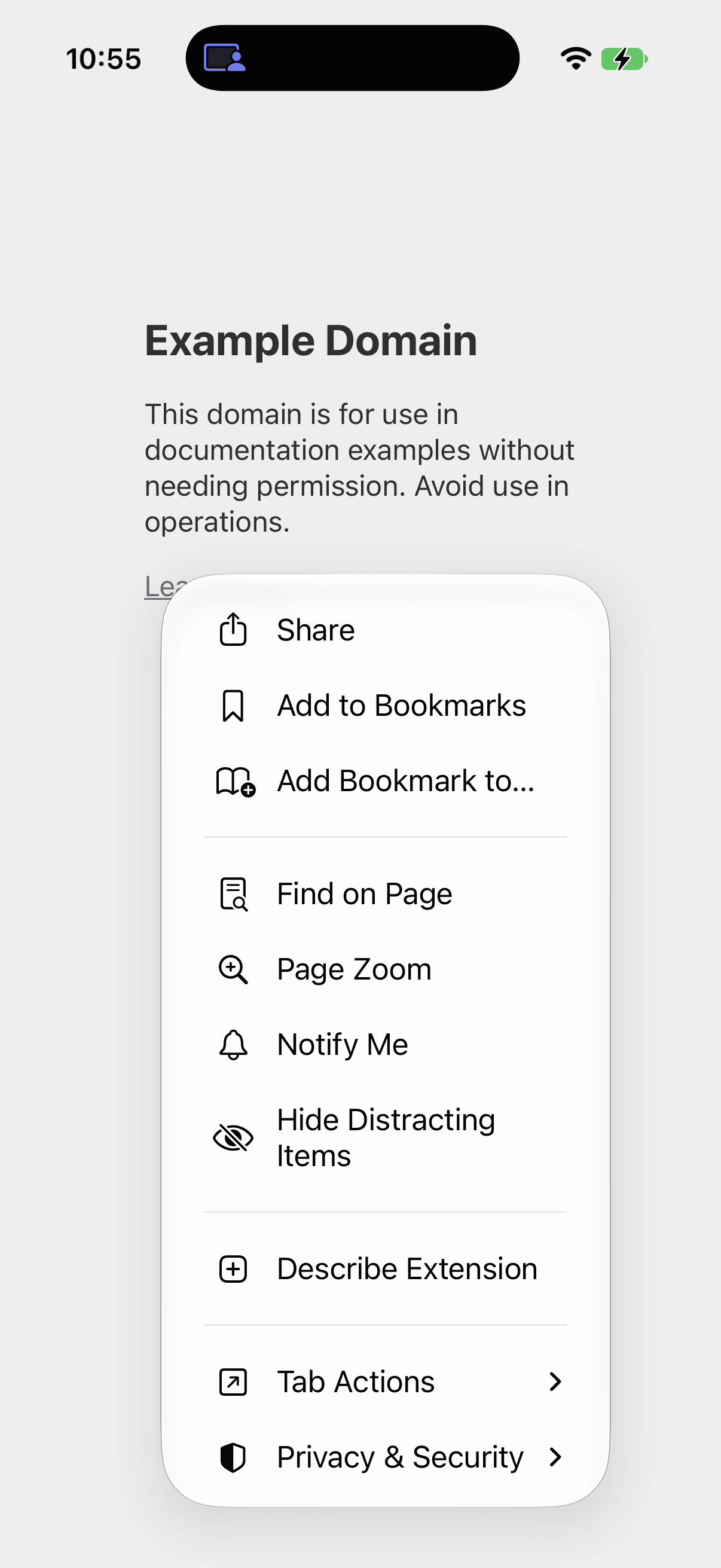
A bookmark stays in Safari. Use Share when you need to send or download the page elsewhere.
Where social-media saves live
TikTok: Profile → bookmark tab (Favorites). Likes are in the heart tab. See the full guide to finding saved TikToks.
Instagram: Profile → menu → Saved. Open a Collection if you filed the post. Saved posts and liked posts are different lists, and Instagram has no keyword search inside Saved.
Facebook: Menu → Saved. Filter by Posts, Videos, Links, Marketplace, or Events, then check Collections. See the Facebook saved-posts guide.
X (Twitter): profile picture → History → Bookmarks. Older apps still show Bookmarks in the side menu. See the guide to finding Twitter (X) bookmarks.
LinkedIn: profile picture → Saved posts. Some builds label it Saved posts and articles or put it under My items. See the guide to finding LinkedIn saved posts.
Pinterest: open your profile, then Saved or Boards. Pinterest can search saved Pins more directly than most social apps.
YouTube: open the You tab, then Playlists → Watch later or Liked videos. They are different lists. See the guide to finding saved YouTube videos.
None of these social saves writes a file to iPhone storage.
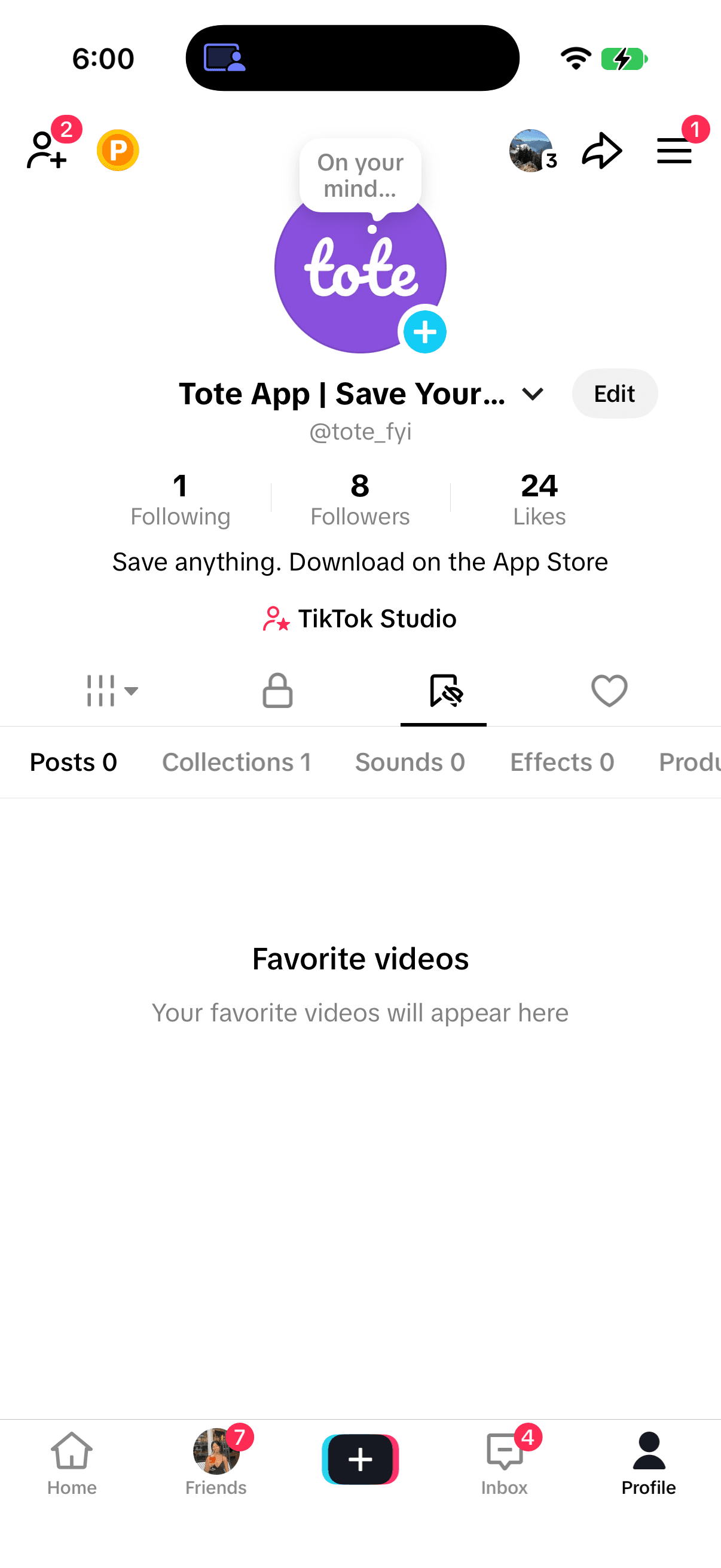
TikTok Favorites live behind the bookmark on your profile.
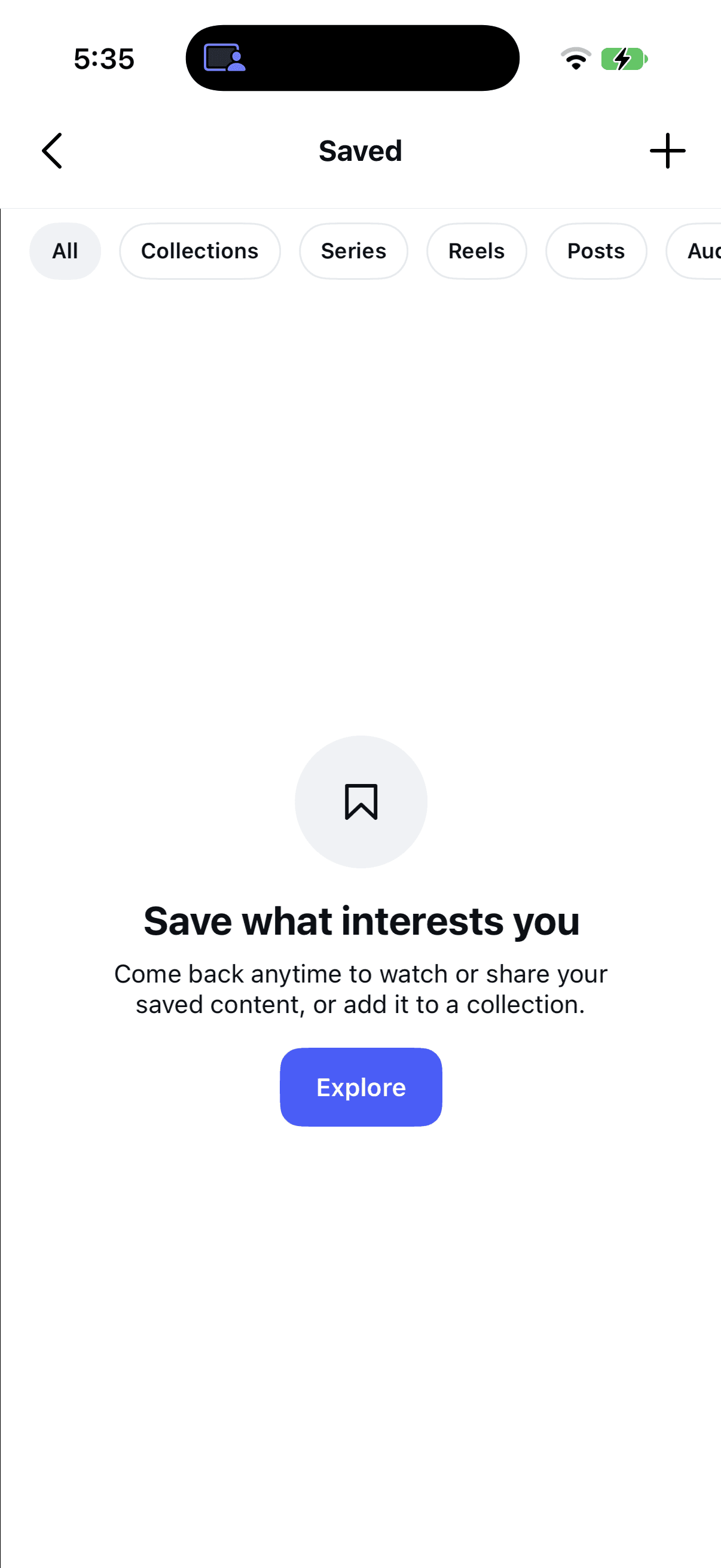
Instagram Saved separates everything, Collections, Reels, and Posts.
Safari: Reading List, bookmarks, and Downloads
- Reading List: Safari → book icon → Reading List. It is not in Files.
- Bookmarks: use the same book icon and open Bookmarks. They can sync through iCloud but are not files.
- Downloads: Files → Browse → iCloud Drive → Downloads, or On My iPhone → Downloads. Change the location under Settings → Apps → Safari → Downloads.
- Open tabs: tabs are not saved items. Closing one can remove your only route back.
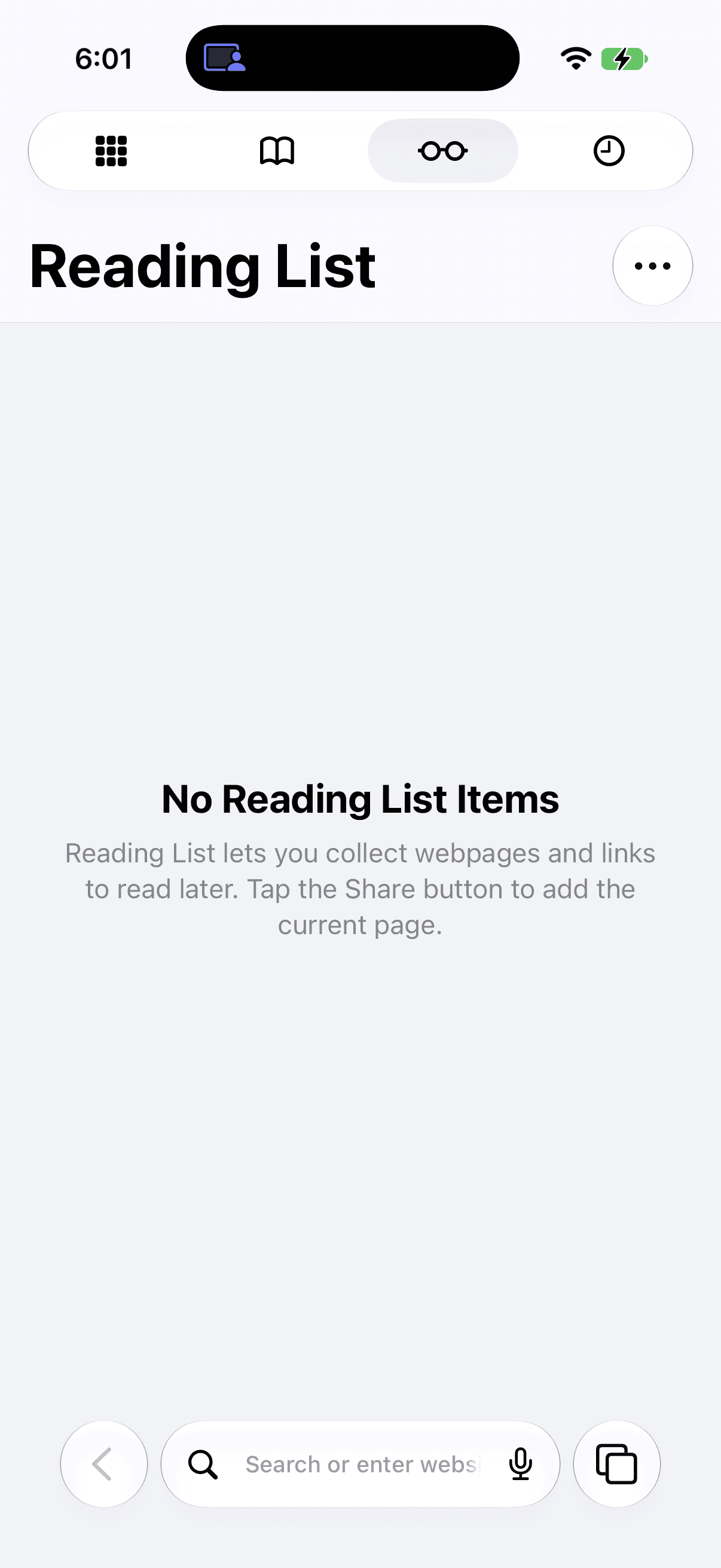
Reading List stays in Safari behind the book icon.
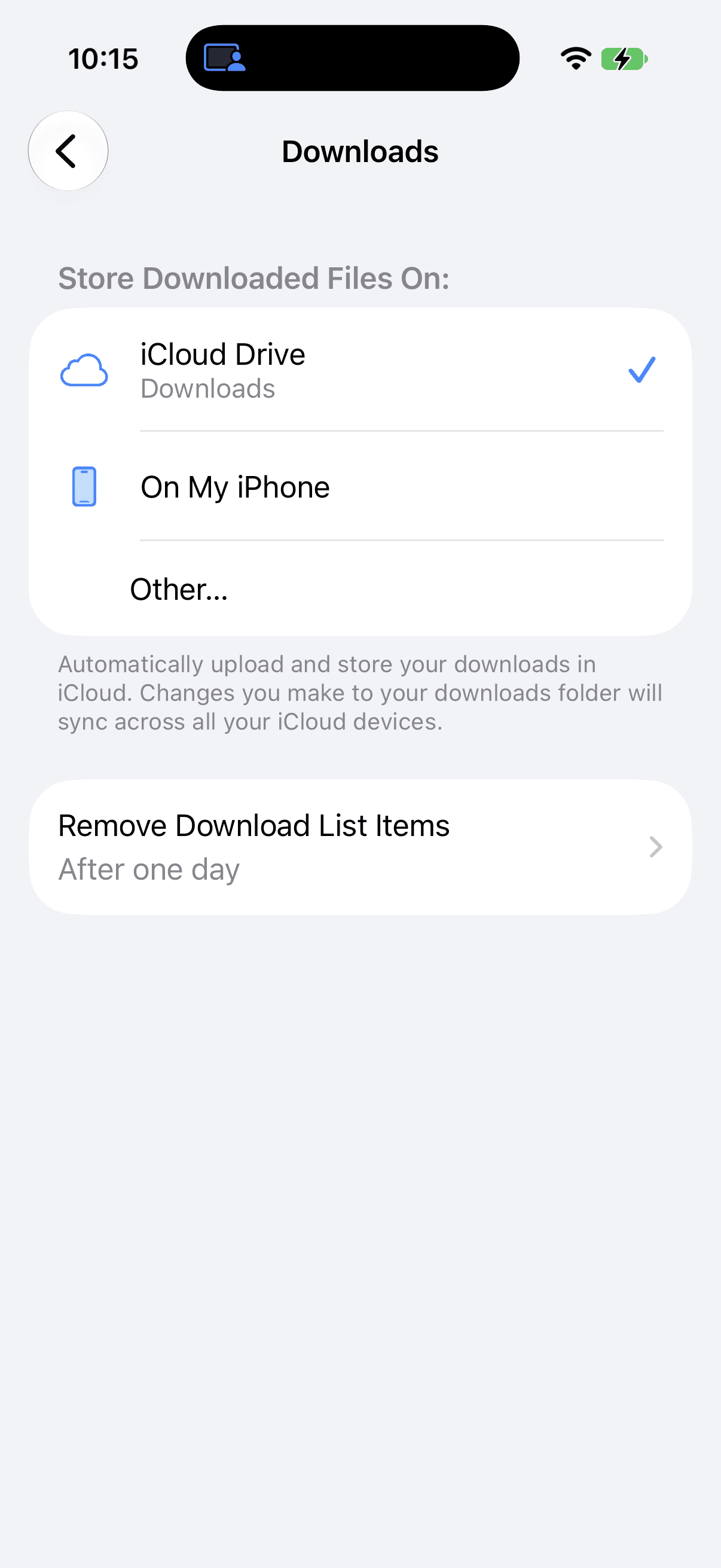
Downloads can point to iCloud Drive or On My iPhone.
Photos and screenshots
Camera photos, screenshots, and images you explicitly save from Safari, Messages, or Mail go to Photos. Check Recents, Screenshots, Hidden, and Recently Deleted. Viewing an image in a message does not save it; tap Save Image first.
Photos can search visible text and recognized subjects, but results depend on what iPhone recognizes. See how to save and organize screenshots.
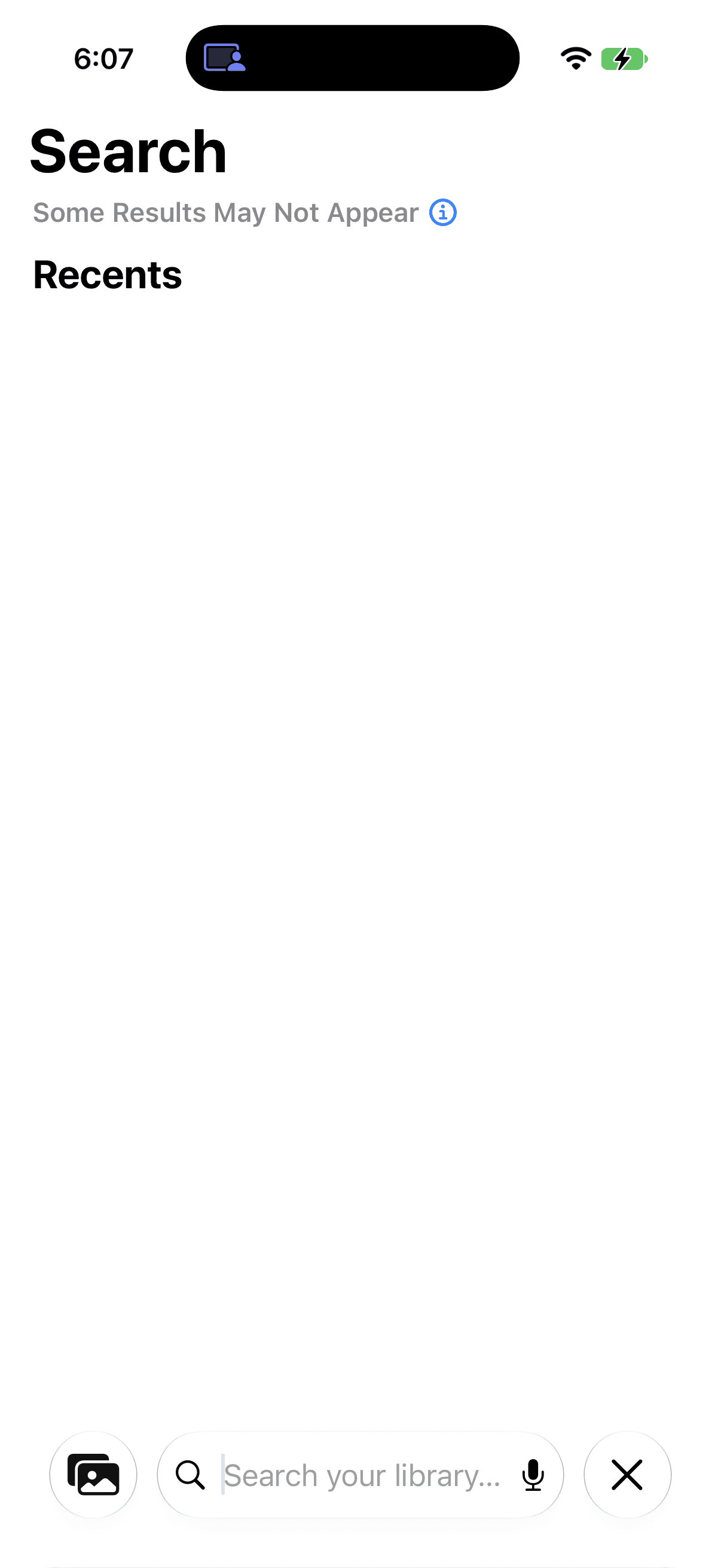
Search Photos by visible text, date, place, person, or recognized subject.
Files and Downloads
Files is for actual files such as PDFs, CSVs, ZIPs, and downloads.
- Open Files.
- Tap Browse.
- Check iCloud Drive → Downloads and On My iPhone.
- Use Files search if you remember a filename.
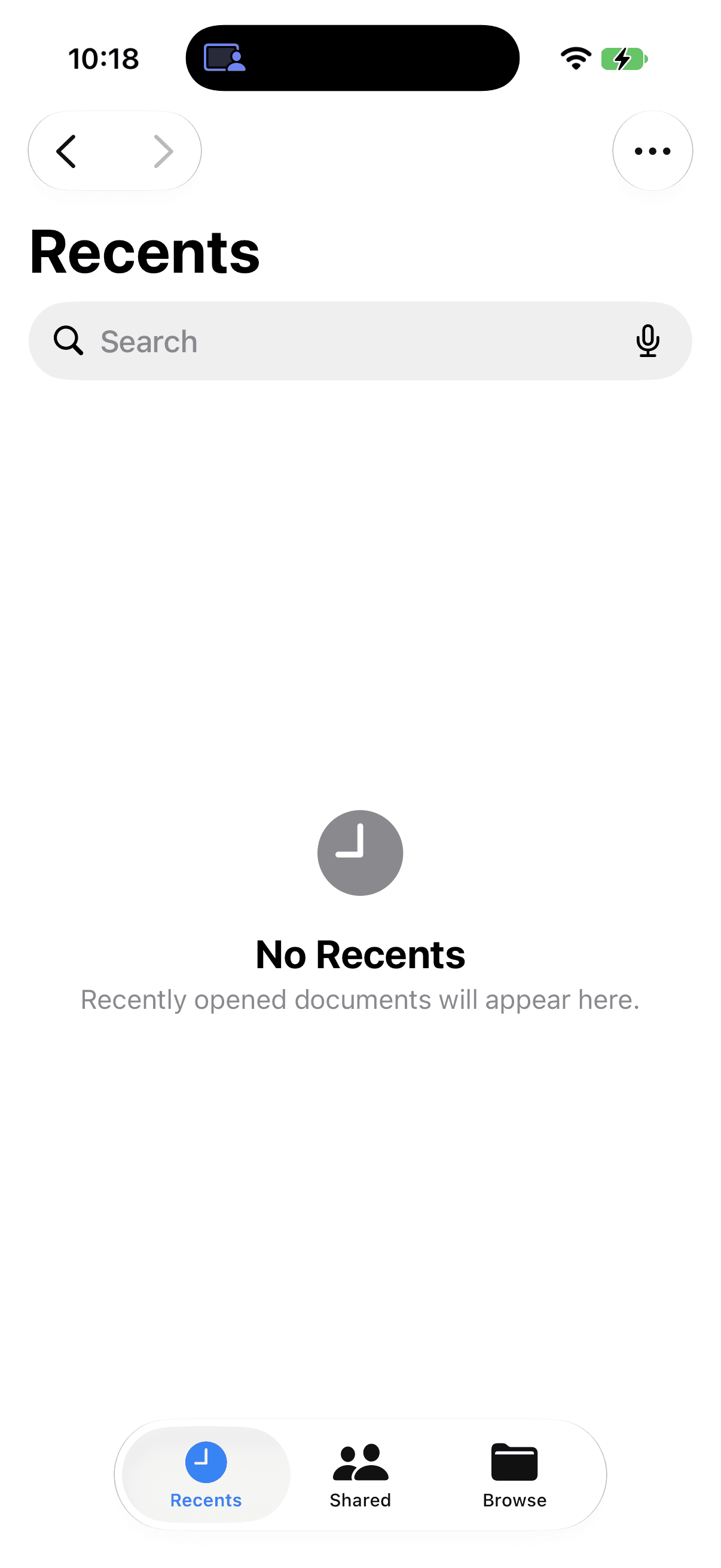
For downloaded files, tap Browse and check each storage location.
Apple’s guide to downloaded files on iPhone covers this route. Most in-app saves never arrive in Files.
Messages, Mail, Notes, Voice Memos, and Maps
Messages and Mail: attachments remain in their thread or message until you save them. In Messages, open conversation details to browse Photos, Links, and Documents. Use Save Image or Save to Files when you need a separate copy.
Notes: notes and scans stay in Notes until you export them. Voice Memos: recordings stay in Voice Memos until you share them. Maps: Favorites, Recents, Guides, and saved places live in the Maps library rather than Files.
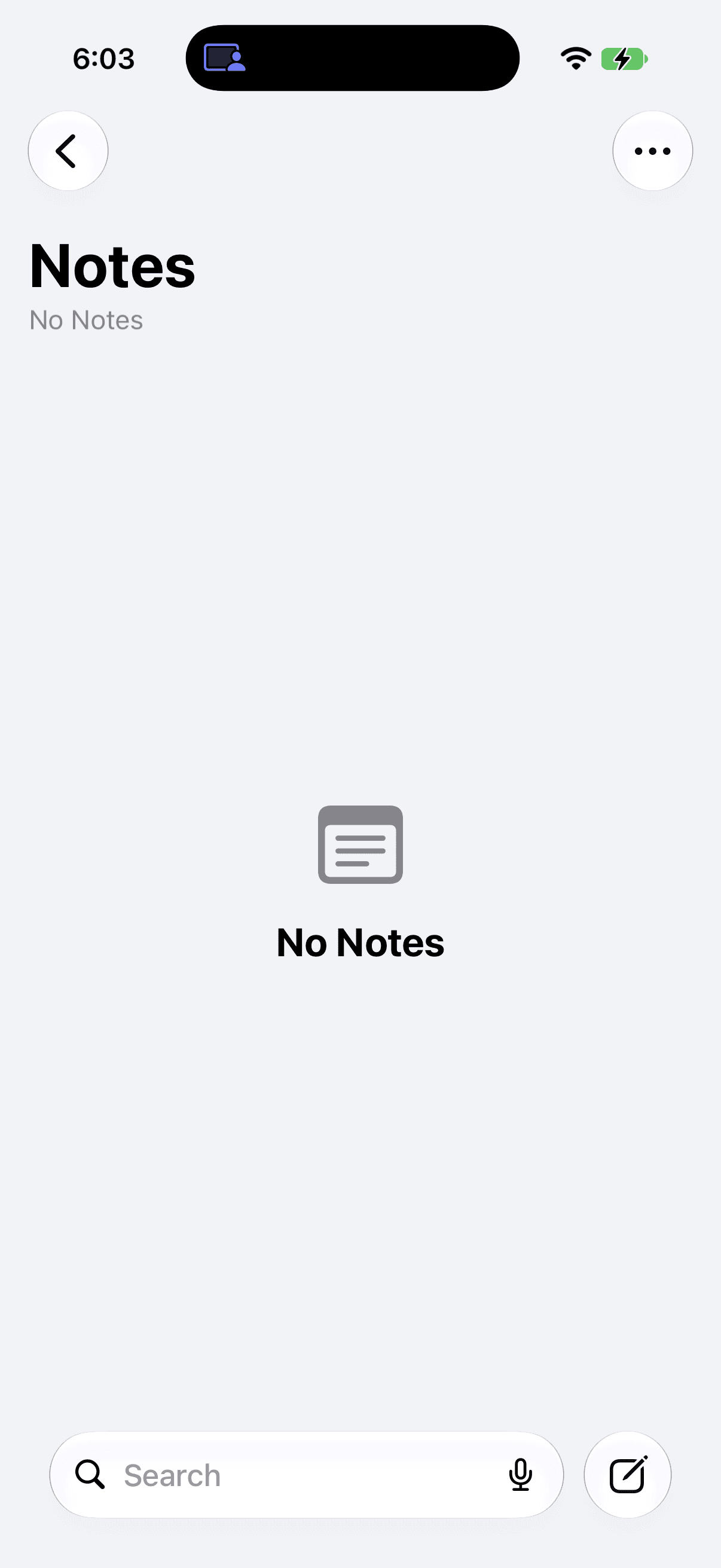
Notes has its own search. Messages, Mail, Voice Memos, and Maps keep separate libraries too.
What Spotlight actually finds
Swipe down on the Home Screen and type. Spotlight can return apps, settings, some files, Mail, Messages, Notes, and data from third-party apps that publish it to Apple’s search index.
Spotlight does not provide a system-wide search of Instagram Saved, TikTok Favorites, Facebook Saved, or most private in-app bookmarks. If the item was a social post, open the original app first.
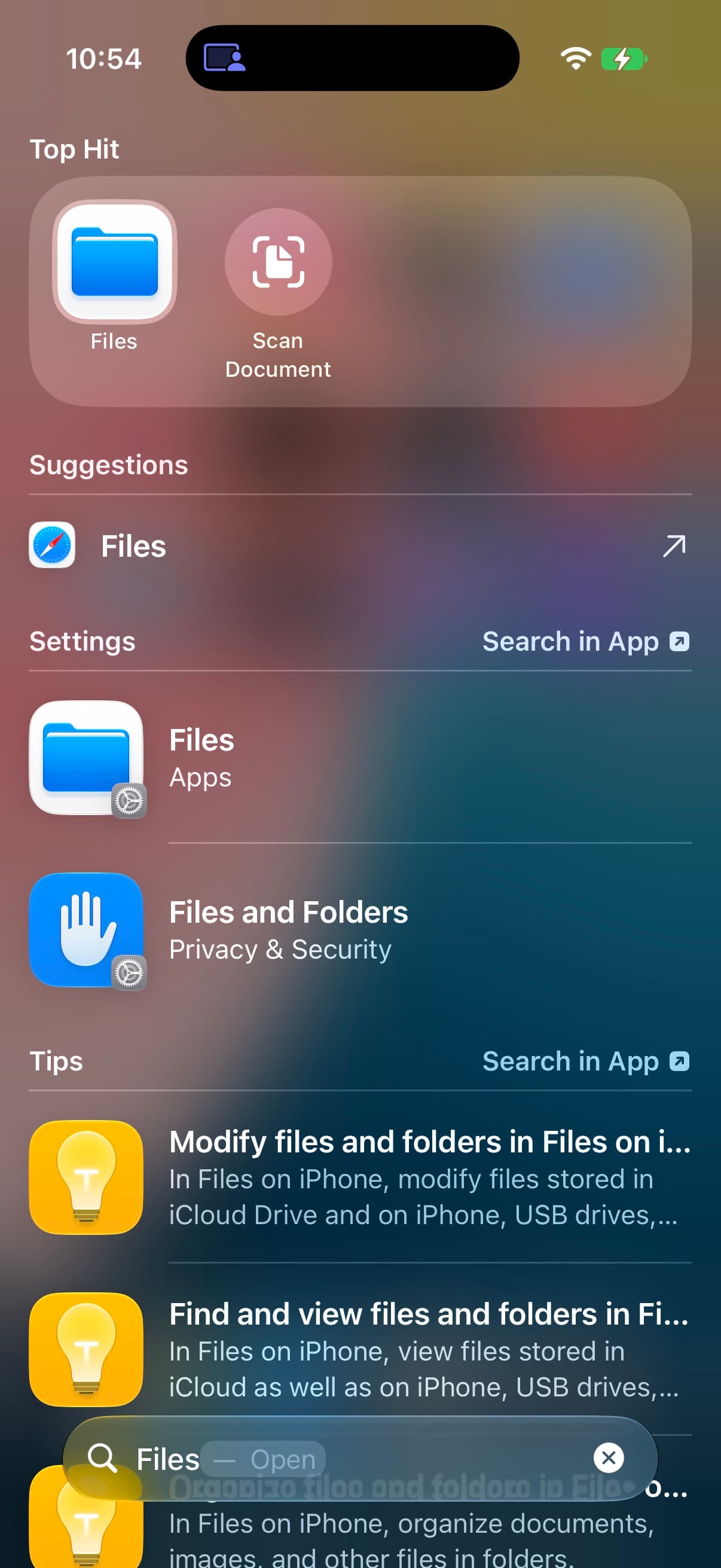
Spotlight can find apps, settings, files, and indexed app content—but not every private saved list.
Why saved items disappear
- You looked in Files for a save that exists only inside an app.
- You signed out or switched accounts.
- The original social post was deleted or made private.
- Hidden or Recently Deleted contains the missing photo.
- You viewed an attachment but never saved it.
- Safari Downloads is set to iCloud Drive while you are checking On My iPhone, or the reverse.
If you want one search across apps
The native map above is the honest iPhone answer: there is no system Saved folder. If recipes, places, products, outfits, and screenshots are spread across several apps, share the important ones to Tote when you save them. Then search by what an item was about instead of remembering which app held it.
Keep each app’s save button for casual browsing. Use Tote for the saves you will need later. Tote does not replace Files, Photos, or TikTok Favorites; it is the layer for selected saves that were never files. See how Tote works.
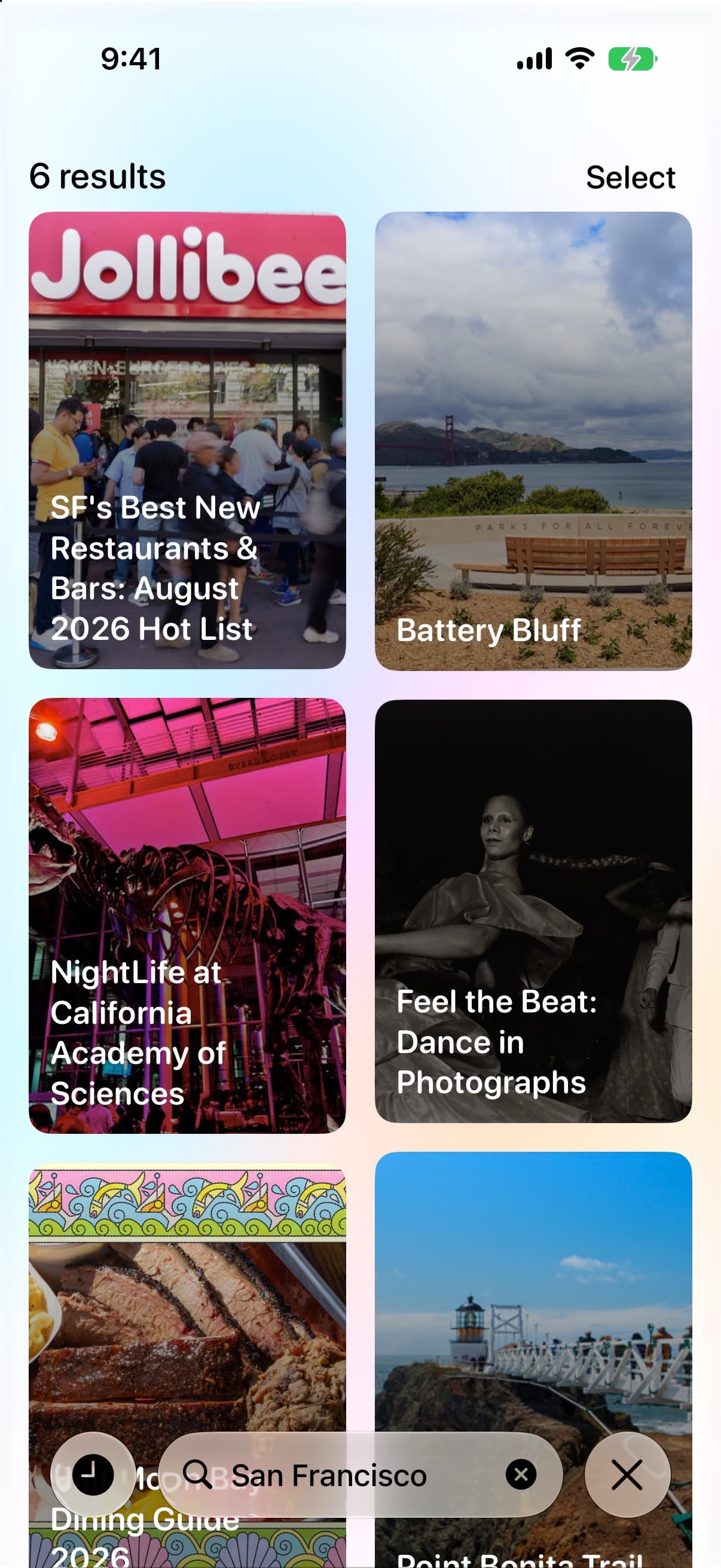
Tote searches only the links, screenshots, photos, and social finds you deliberately share to it.
Frequently asked questions
Is there a Saved items folder on iPhone?
No. Each app keeps its own saved list or library.
Where do Safari downloads go?
Files → Downloads, usually under iCloud Drive. Check Settings → Apps → Safari → Downloads.
Where are my screenshots?
Open Photos → Screenshots, or look in Recents.
Why can’t I find a saved Instagram or TikTok post in Files?
Those saves are pointers inside the social app, not files. Open the app’s Saved or Favorites list.
Does Spotlight search Instagram or TikTok saves?
No. Spotlight does not index those private saved-item lists.
Where are Facebook saved posts?
Open Facebook → menu → Saved, then use a filter or Collection.
Related guides
- How to find downloads on iPhone
- How to find saved TikToks
- How to find saved Facebook posts
- How to find saved YouTube videos
- How to find Twitter (X) bookmarks
- How to find saved posts on LinkedIn
- Organize Instagram saved posts
- Organize social-media saves on iPhone
- Save and organize screenshots
Get Tote on iPhone, then pin Tote in the share sheet.