Fashion screenshots

Save and Organize Outfit Screenshots

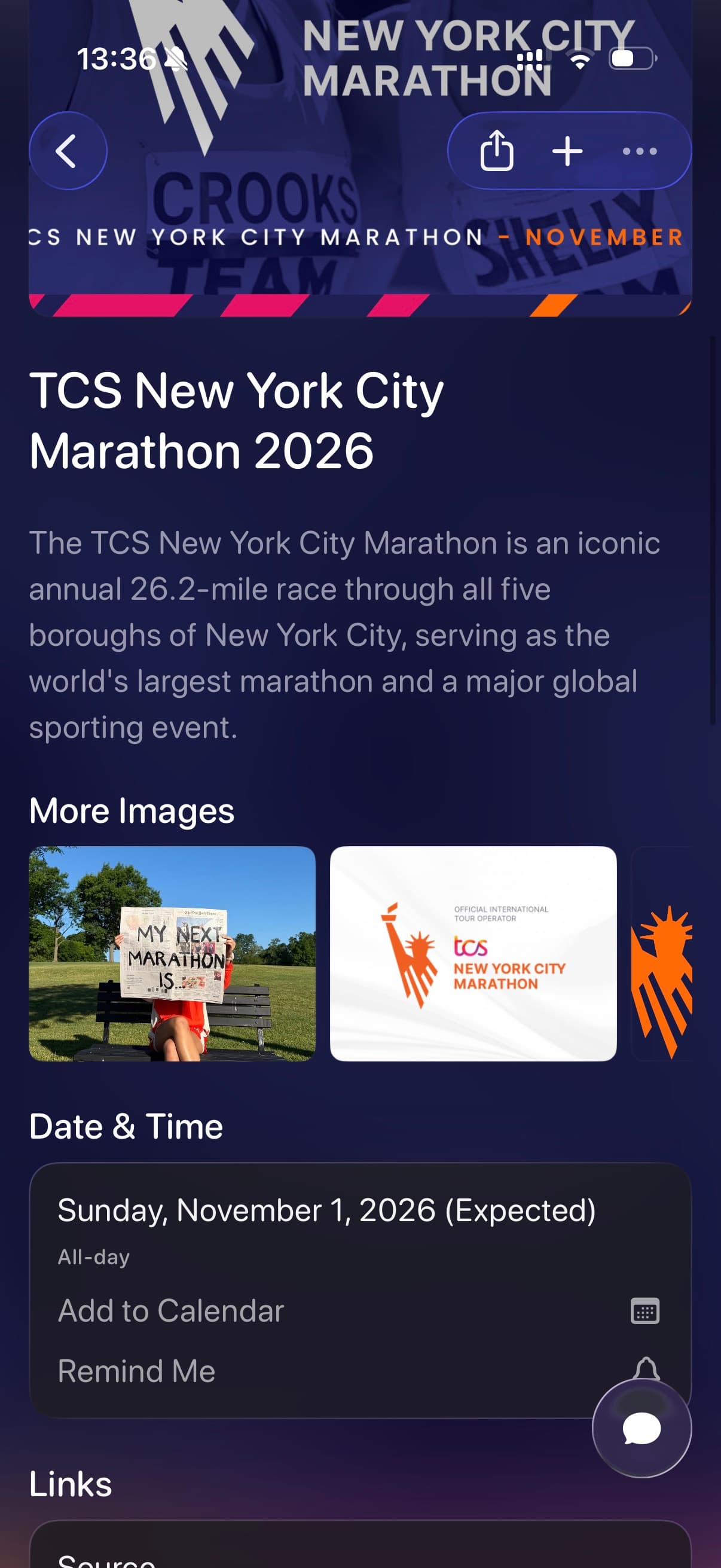
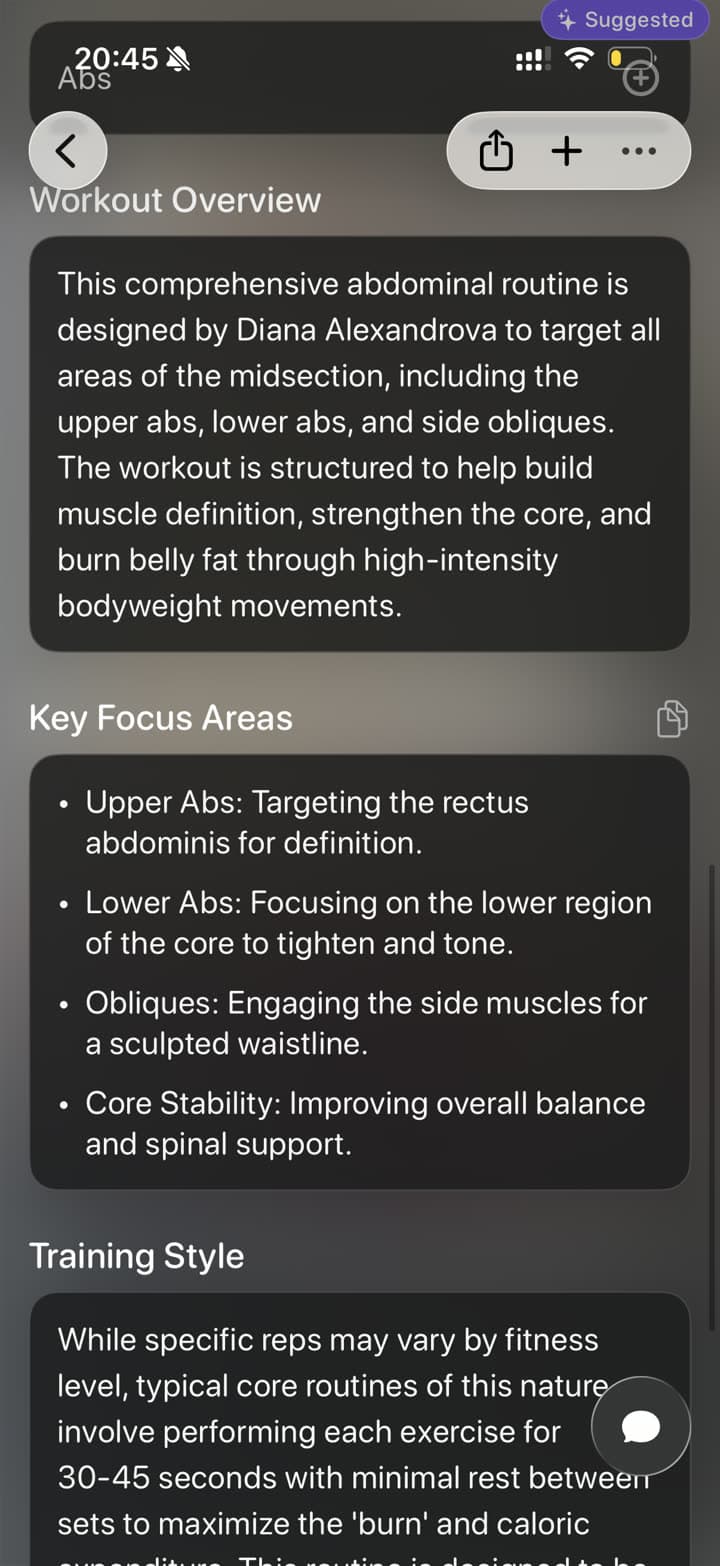
Save outfit screenshots, fashion inspiration, product finds, and shopping pages to Tote. Tote helps turn scattered style screenshots into searchable outfit ideas with brands, pieces, links, notes, and lists.

Before and after

From Screenshot Pile to Searchable Save

Tote keeps the original visual reference, then adds the context you need when you come back to it later.

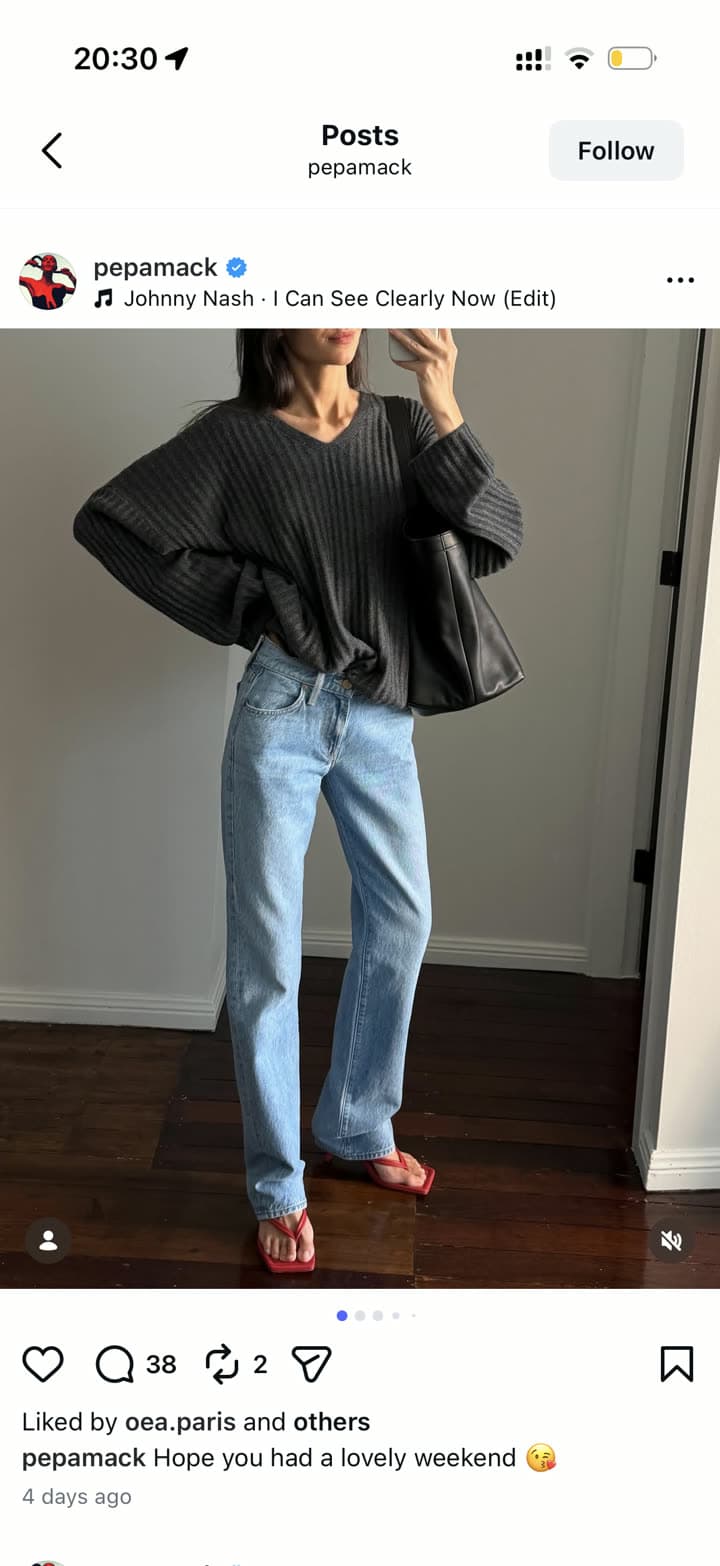
An Instagram outfit screenshot before saving
Before: outfit screenshot
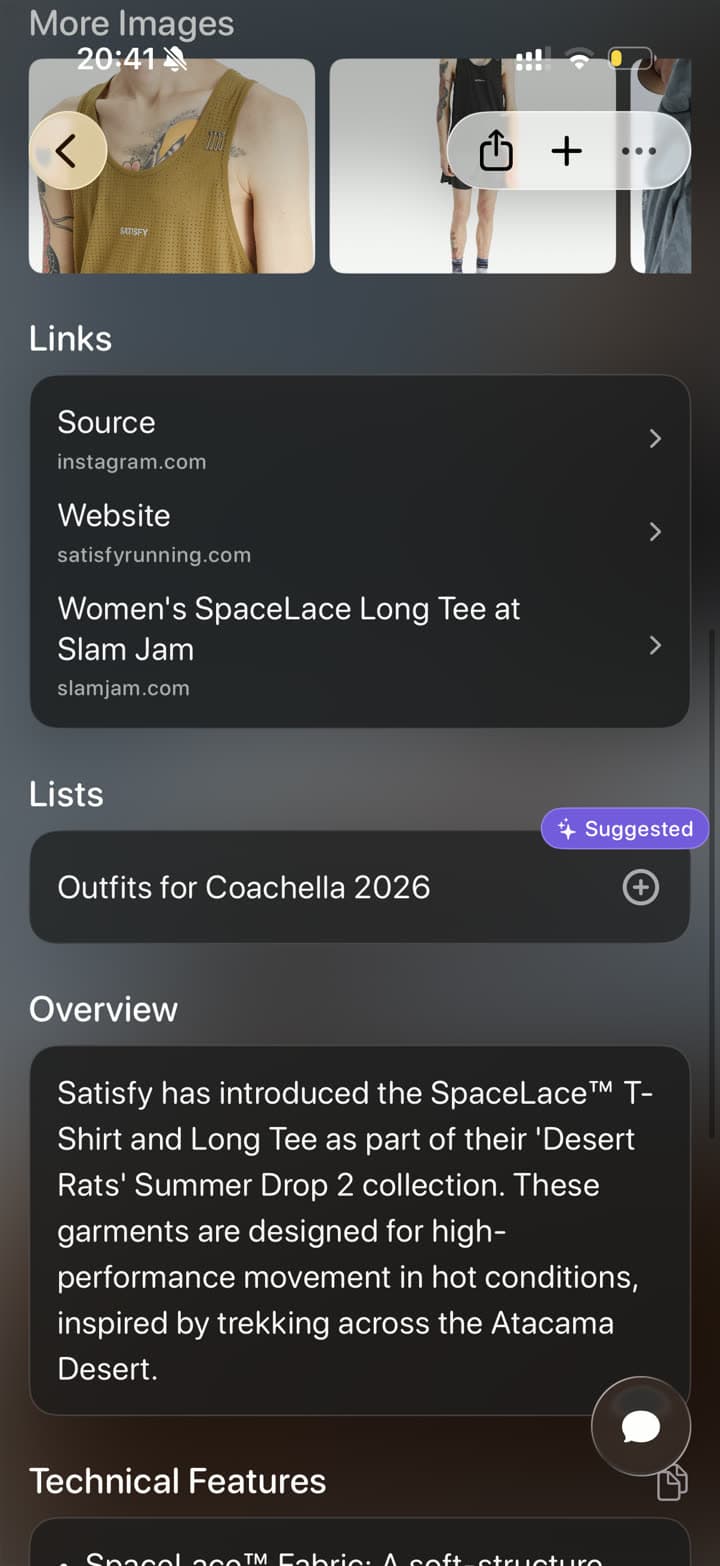
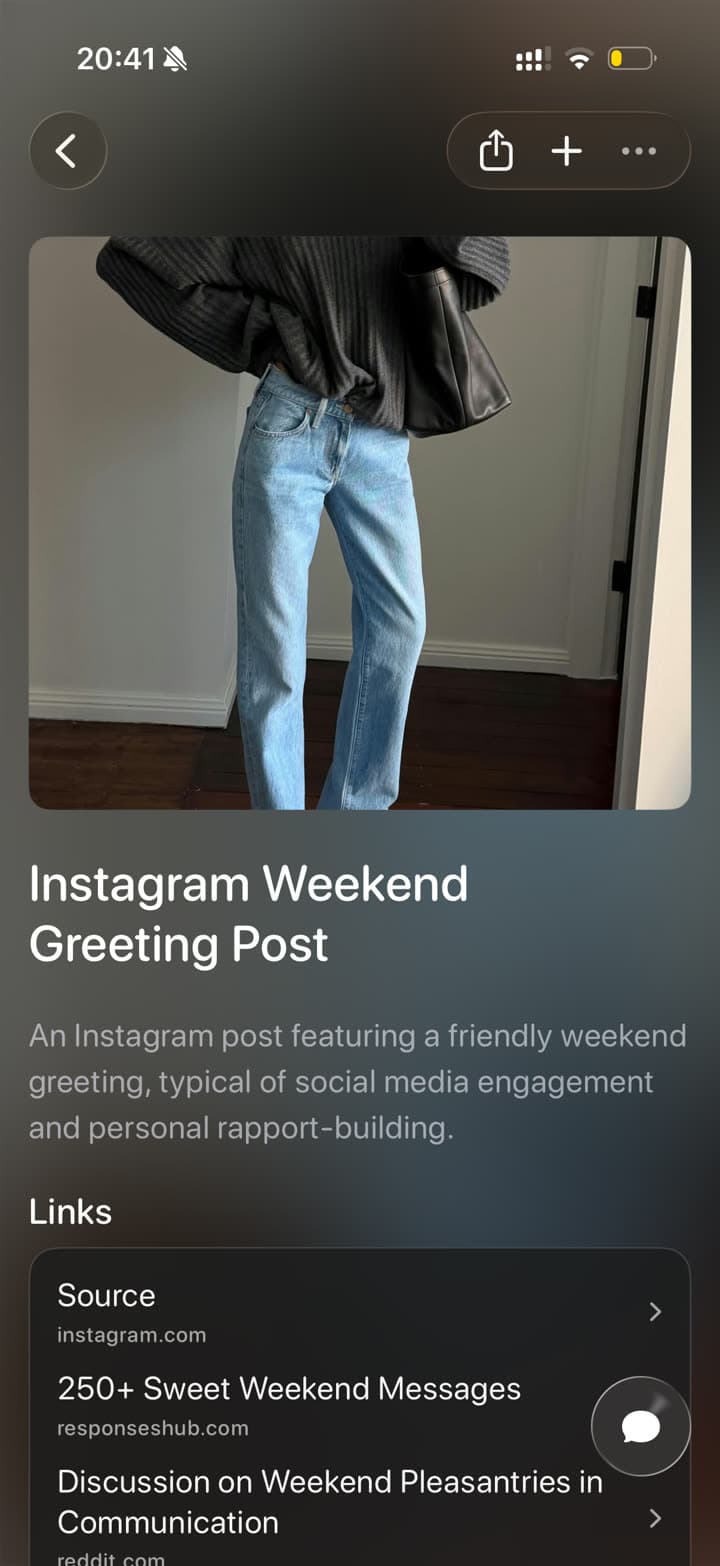
An outfit screenshot organized in Tote with links and list suggestions
After: outfit idea with links

The real problem

Fashion screenshots lose the outfit details you cared about.

Outfit inspiration is rarely in one place. A single look might start as an Instagram post, continue as a Pinterest board, include a product page, and get discussed in a group chat. Screenshots capture the look, but they do not keep the brand, piece, occasion, or shopping context together.

Tote organizes fashion screenshots around the way you actually use them: event outfits, capsule wardrobe ideas, packing lists, product comparisons, and looks you want to recreate later.

How to Save Outfit Screenshots to Tote

  1. Screenshot the outfit post, product page, carousel, or shopping result.
  2. Open the screenshot and tap Share, or share the original post directly when a link is available.
  3. Choose Tote and let it capture visible outfit details, brand names, products, colors, and source context.
  4. Add it to a list such as Summer Outfits, Wedding Guest Dresses, Packing Ideas, or Workwear.
  5. Search later by brand, color, piece, occasion, creator, or season.
What Tote Captures

  • outfit pieces, colors, brands, and product names visible in the screenshot
  • source links to Instagram, Pinterest, TikTok, or shopping pages when available
  • shopping alternatives and related links for the same look
  • lists for events, trips, capsule wardrobes, packing, and style boards
  • notes about sizing, occasion, weather, or what you already own

Best Uses

  • Instagram outfit posts and carousel screenshots
  • Pinterest fashion pins and moodboard screenshots
  • shopping screenshots from brand sites, resale apps, and product pages
  • packing and event outfit ideas across multiple apps

What to Know

  • A screenshot may not include every product link, so save the original post or product URL when you need to buy later.
  • Tote helps organize outfit research; it does not replace a closet inventory or styling app.
  • Very cropped screenshots work best when paired with notes or the source link.

FAQ

Screenshot Saving Questions

Can I save fashion screenshots and shopping links together?

Yes. Tote can keep outfit screenshots, Instagram posts, Pinterest pins, TikTok videos, Safari links, and shopping pages in the same list so a look does not get split across apps.

What should I name outfit lists in Tote?

Use list names that match the decision you are making: Wedding Guest, Summer Trip Packing, Work Outfits, Coachella, Capsule Wardrobe, or Shoes to Compare.

Save Screenshots Before They Disappear Into Photos

Send important screenshots to Tote, then find them later by what they show, where they came from, or the list they belong to.

Download on the App Store