How to Save Event Screenshots to Tote
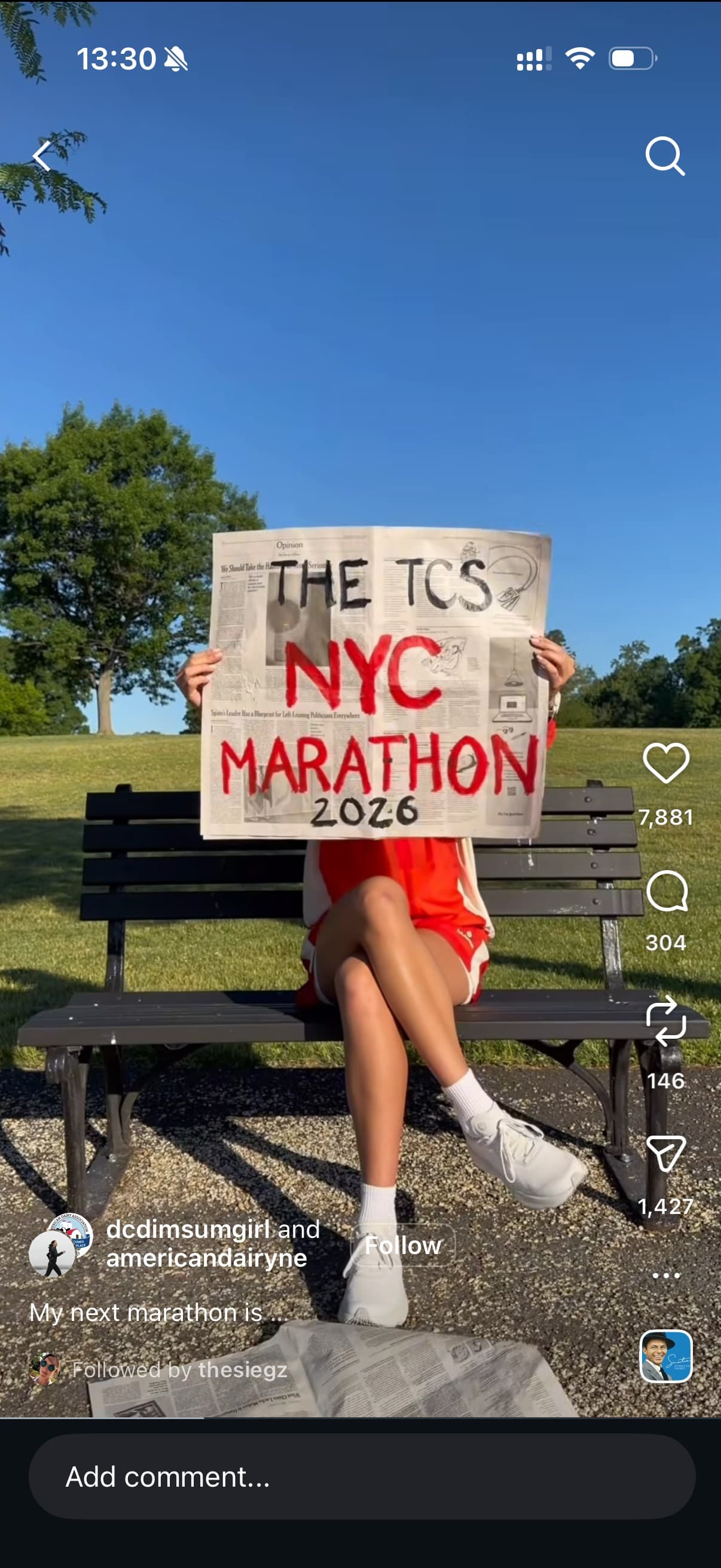
- Screenshot the event post, flyer, invitation, lineup, ticket page, or announcement.
- Open the screenshot and tap Share, or share the original event link directly when one is available.
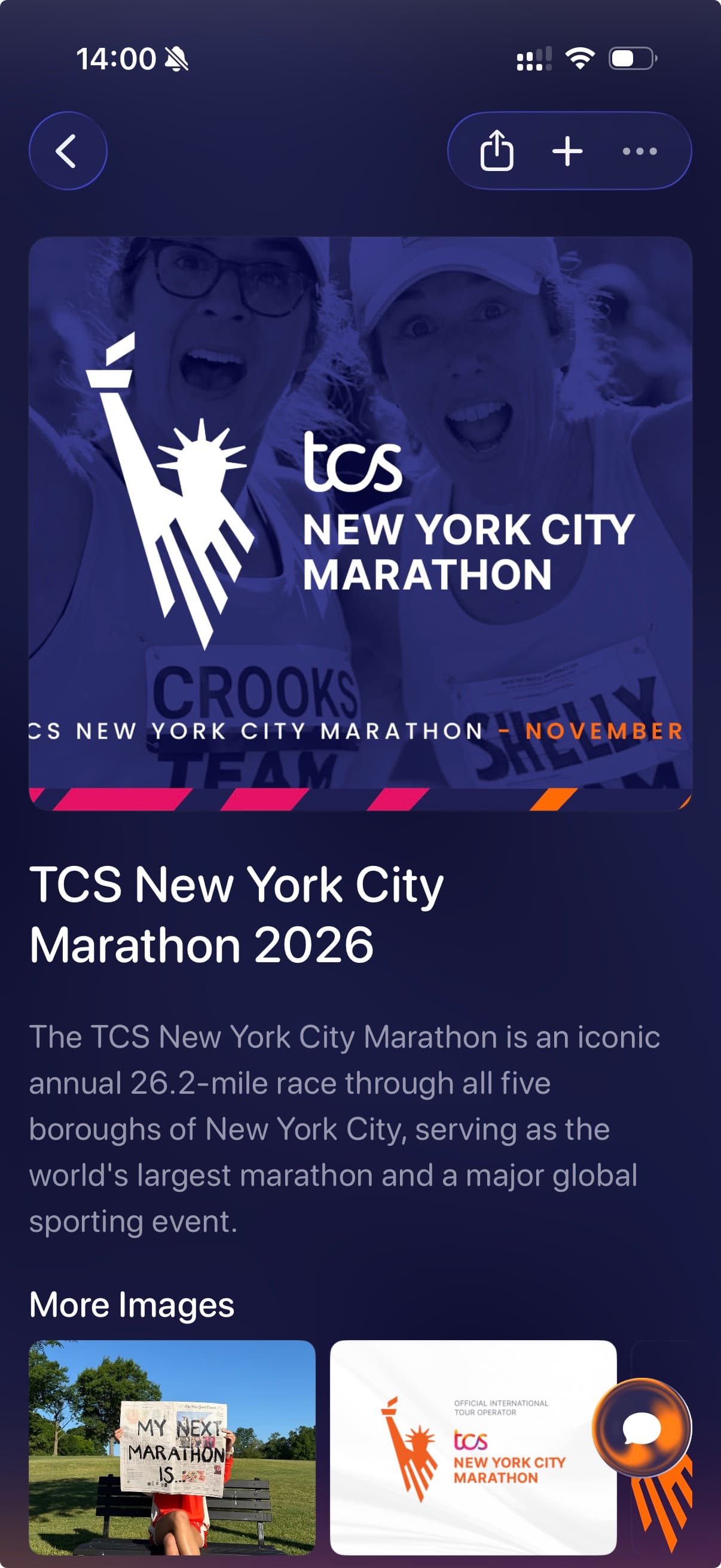
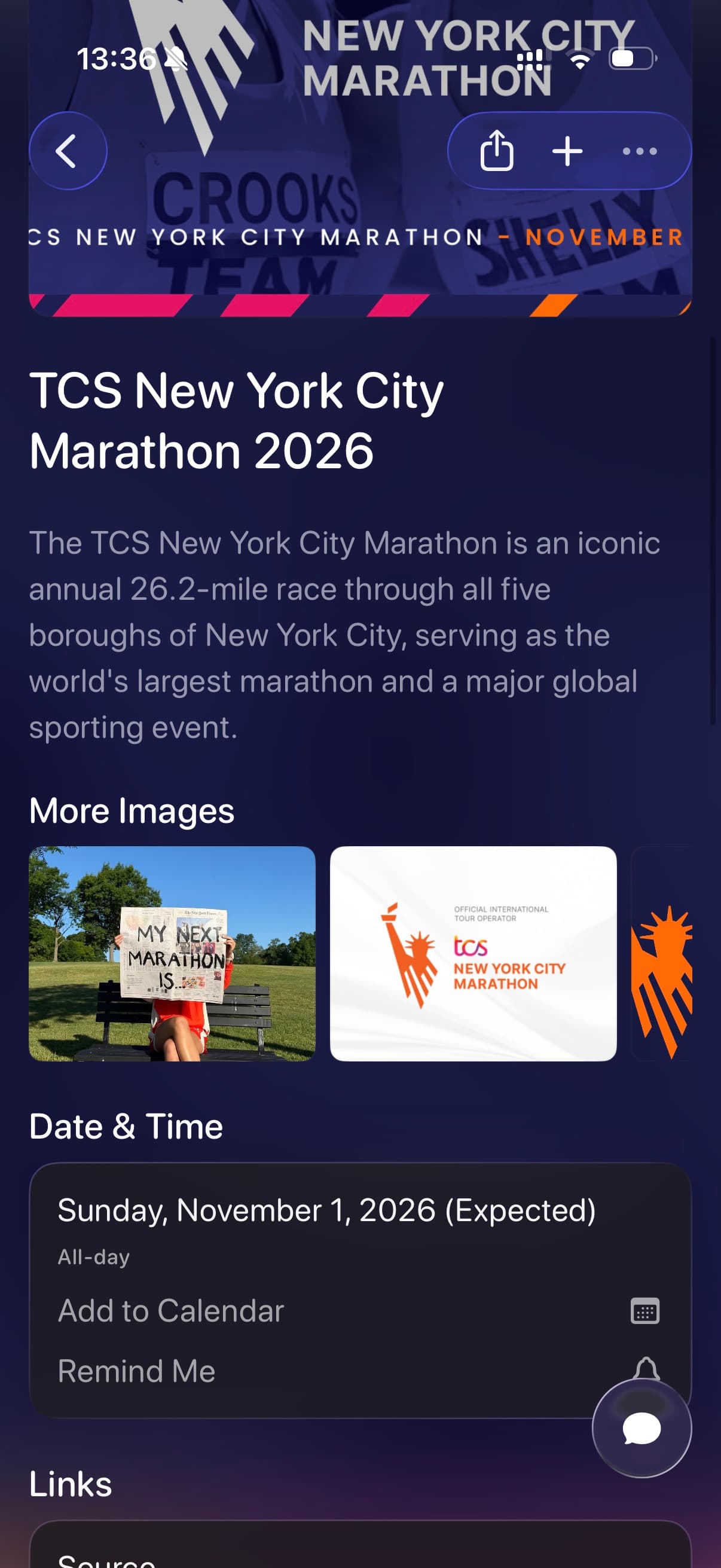
- Choose Tote and let it capture visible event names, dates, locations, links, images, and useful details.
- Use Add to Calendar or Remind Me when the event has a date you want to act on.
- Add it to a list such as NYC Marathon, Concerts, Weekend Plans, Conference Ideas, or Summer Events.
- Search later by event name, city, date, performer, venue, organizer, friend, or the plan you saved it for.