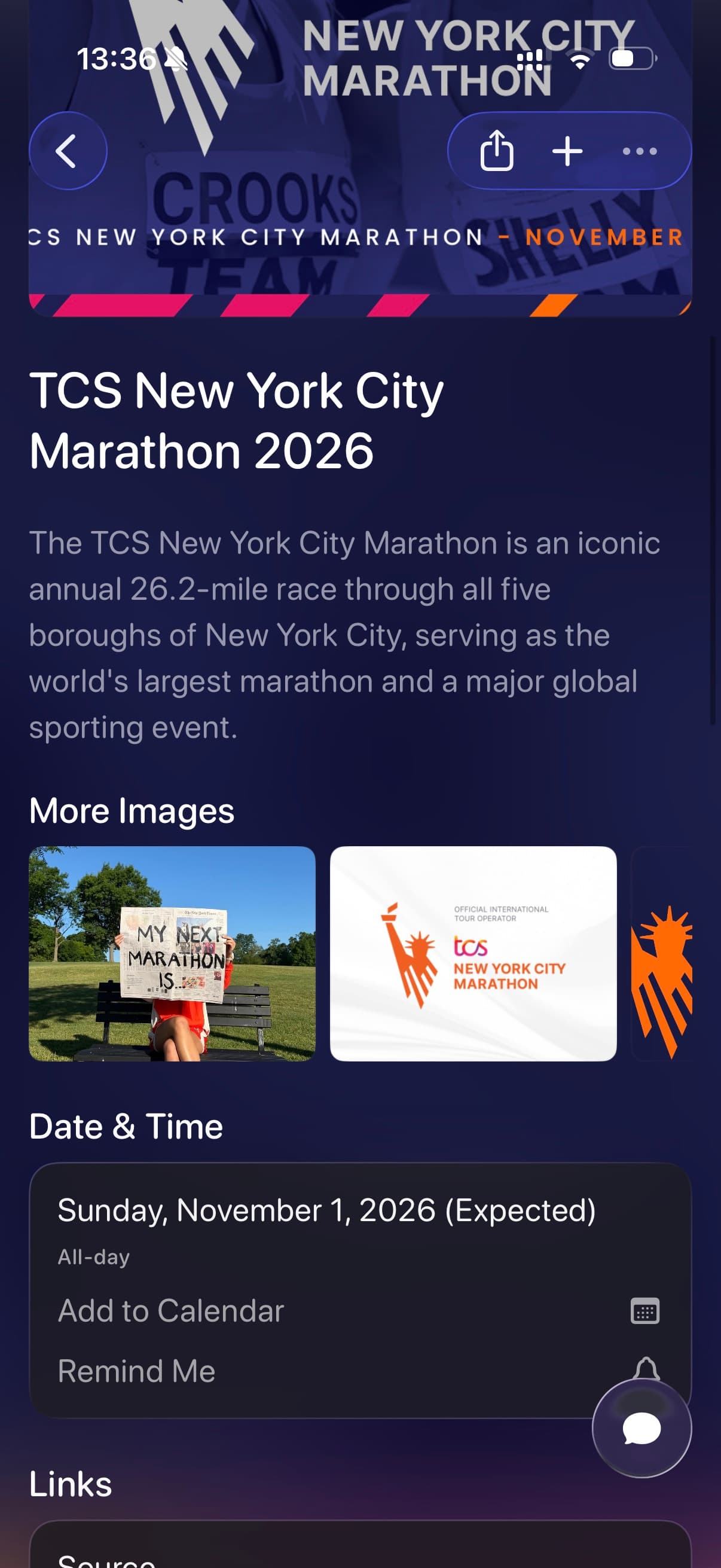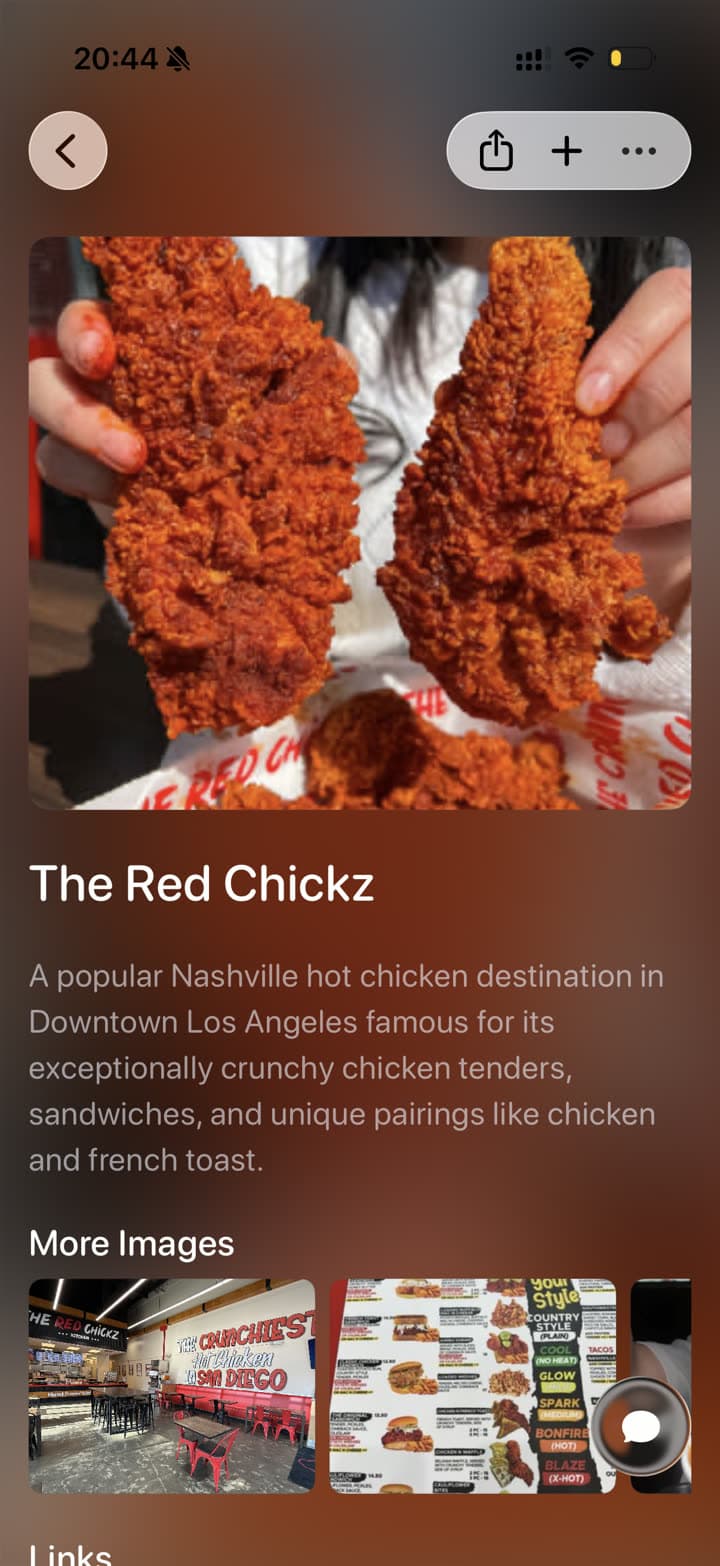
Recipe screenshots

Save and Organize Recipe Screenshots

Save recipe screenshots from Instagram, TikTok, Safari, and cooking sites to Tote. Tote can turn a recipe screenshot into a searchable save with a title, ingredients, instructions, source links, and the list where it belongs.

Before and after

From Screenshot Pile to Searchable Save

Tote keeps the original visual reference, then adds the context you need when you come back to it later.

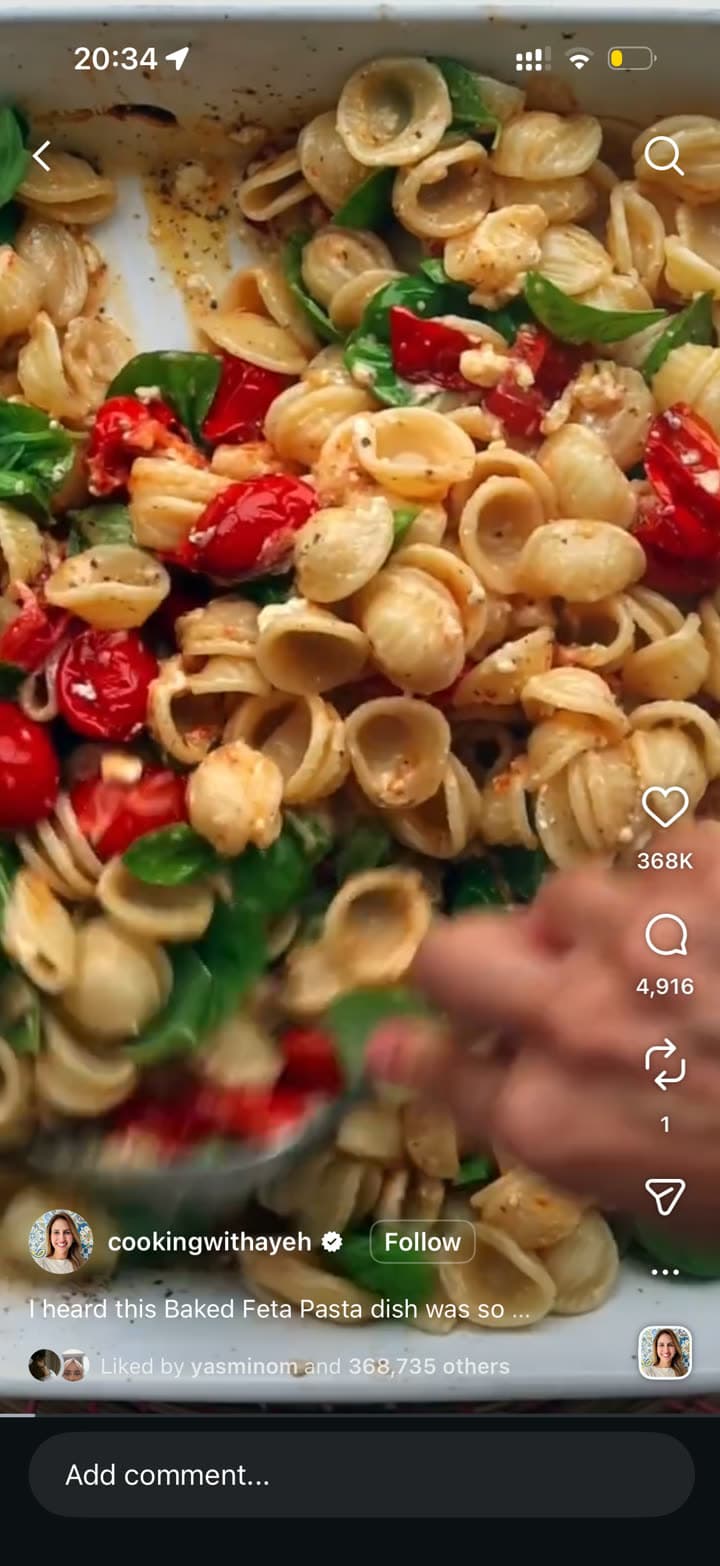
A viral baked feta pasta recipe screenshot before saving
Before: recipe video screenshot
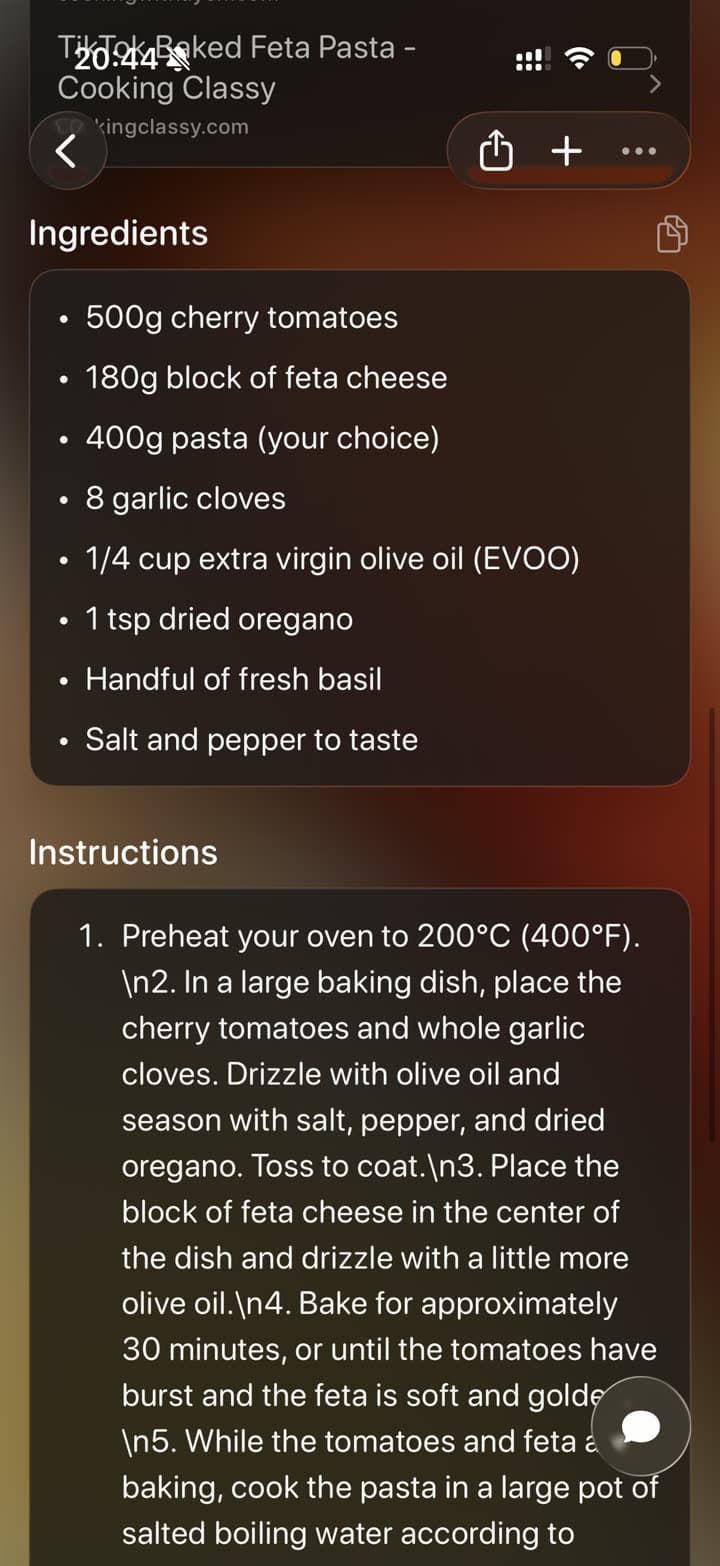
A baked feta pasta recipe organized in Tote with instructions
After: recipe card with steps

The real problem

Recipe screenshots are hard to cook from later.

A recipe screenshot can capture a key frame, ingredient list, or creator caption, but it does not behave like a recipe. You still have to remember which app it came from, where the instructions were, and whether you saved a second screenshot with the quantities.

Tote gives recipe screenshots a place to become useful. Share the screenshot, keep the source when you have it, and organize the result into a dinner plan, baking list, cocktail list, or grocery idea list.

How to Save Recipe Screenshots to Tote

  1. Screenshot the recipe video, caption, ingredient list, or finished dish.
  2. Tap the screenshot preview or open it from Photos, then tap Share.
  3. Choose Tote and let it identify the recipe name, ingredients, instructions, and source context.
  4. Add the save to a list such as Weeknight Dinners, Cocktails, Meal Prep, or Desserts.
  5. Search later by ingredient, dish name, creator, cuisine, or the occasion you saved it for.
What Tote Captures

  • recipe title and dish name
  • ingredients, quantities, and substitutions visible in the screenshot
  • instructions, cooking times, and serving notes
  • source links from Safari, Instagram, TikTok, or Pinterest when shared with the screenshot
  • related images and notes for the same dish

Best Uses

  • TikTok recipe screenshots with fast-moving ingredient overlays
  • Instagram Reels recipes you want to cook this week
  • Safari recipe pages where the useful part is buried in a long article
  • cocktail screenshots with ratios and garnish ideas

What to Know

  • If the screenshot only shows the finished dish, Tote may not know the full recipe unless you also save the source link.
  • Long recipe pages may need more than one screenshot or the original URL for complete instructions.
  • Use a grocery app for live grocery ordering; use Tote to organize the recipe ideas before you shop.

FAQ

Screenshot Saving Questions

Can Tote turn a recipe screenshot into ingredients and instructions?

Tote can extract visible recipe details from a screenshot and organize them into a searchable save. If you also share the original link, Tote has more context for full instructions and source details.

How should I organize recipes from Instagram and TikTok?

Share the recipe post, video, or screenshot to Tote and add it to a list by cooking intent: dinners, cocktails, meal prep, baking, restaurants to try, or recipes for a specific event.

Save Screenshots Before They Disappear Into Photos

Send important screenshots to Tote, then find them later by what they show, where they came from, or the list they belong to.

Download on the App Store