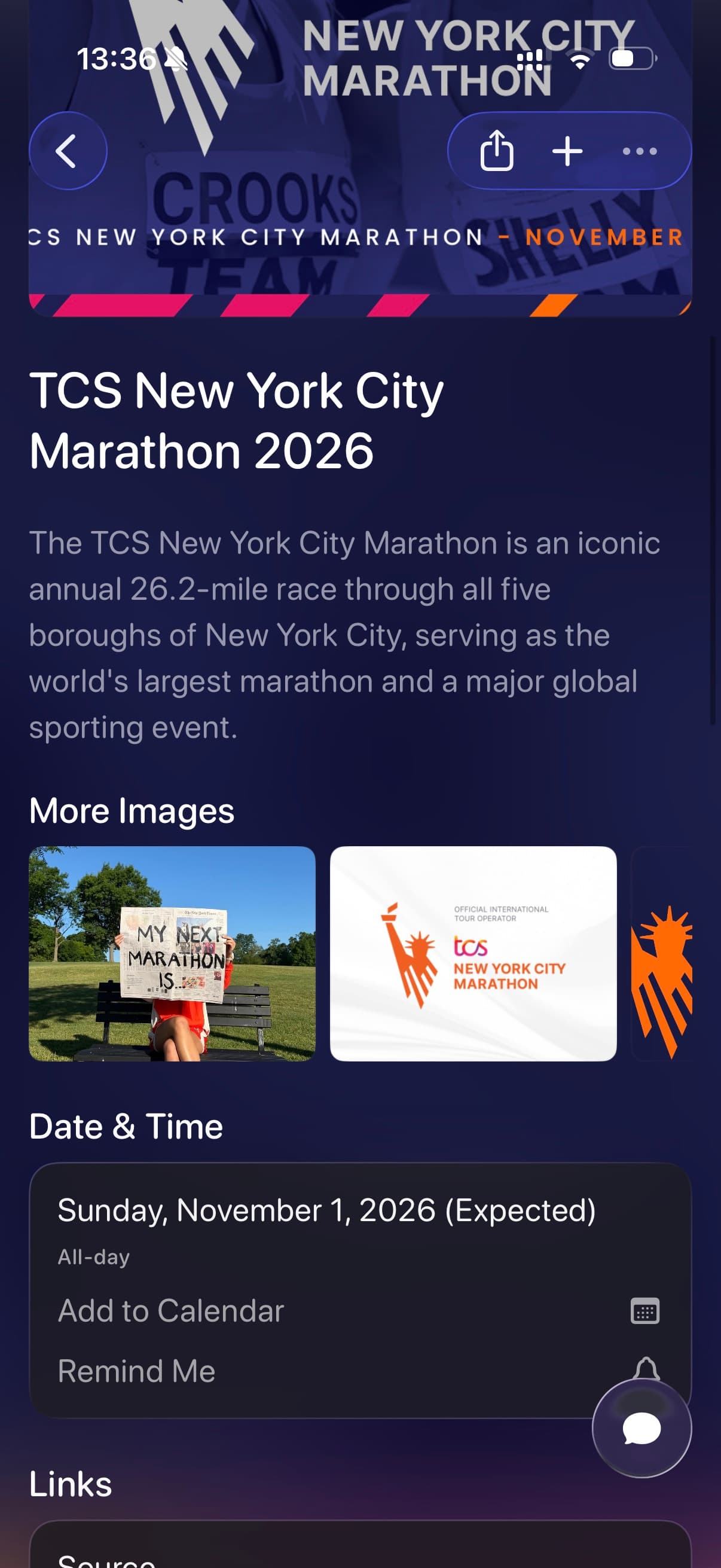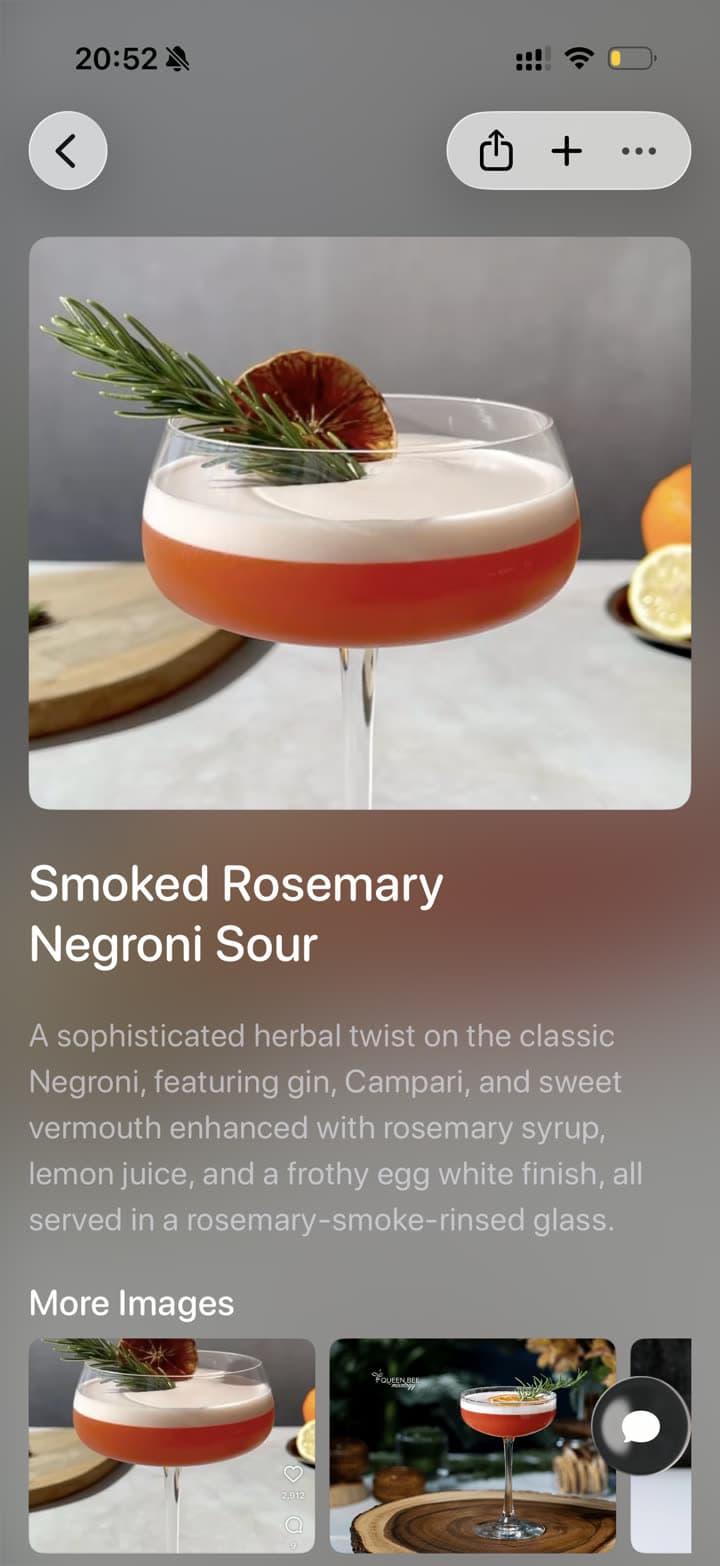
Restaurant screenshots

Save and Organize Restaurant Screenshots

Save restaurant screenshots, food videos, menu grabs, map details, and local recommendations to Tote. Tote keeps the place, source, notes, links, and list together so you can find it when you are actually choosing where to go.

Before and after

From Screenshot Pile to Searchable Save

Tote keeps the original visual reference, then adds the context you need when you come back to it later.

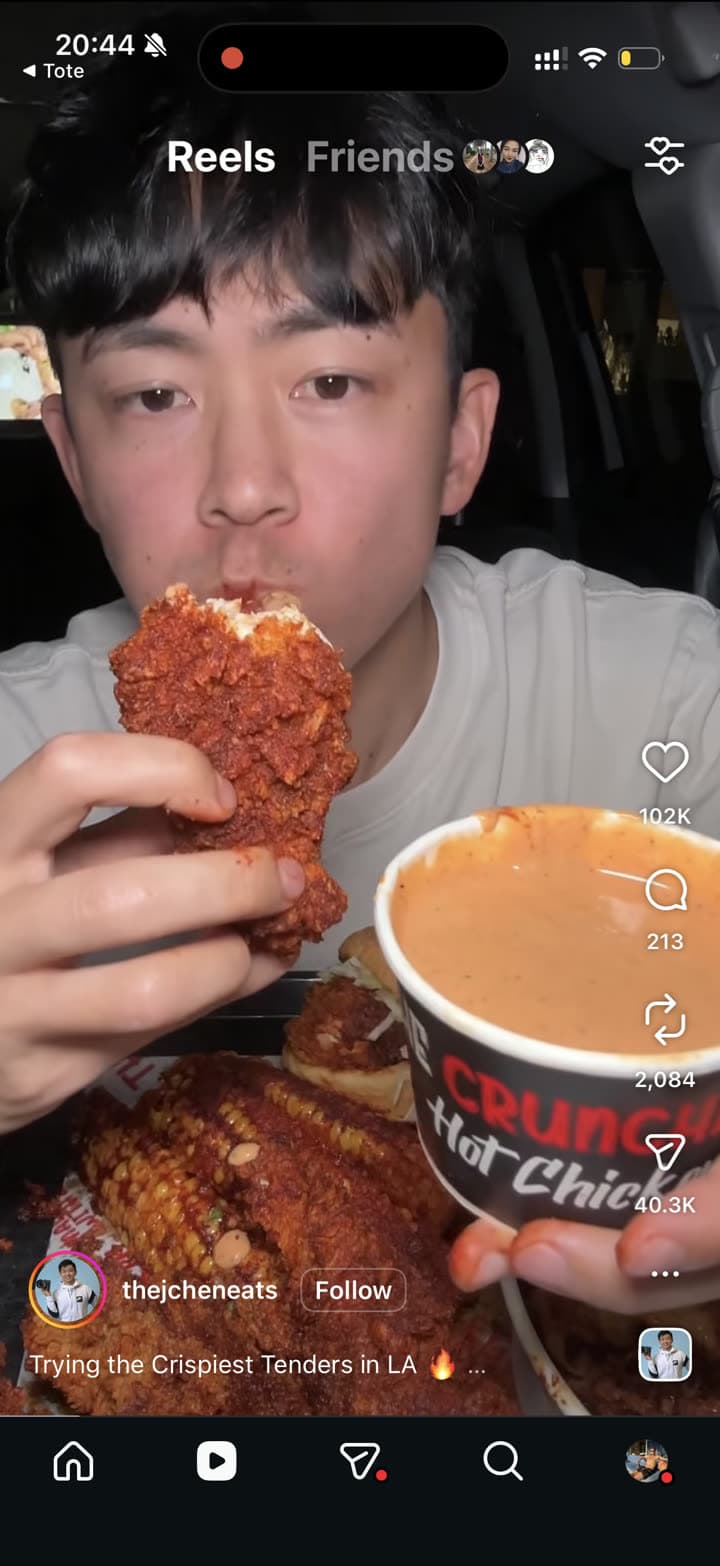
An Instagram restaurant Reel screenshot before saving
Before: restaurant Reel screenshot
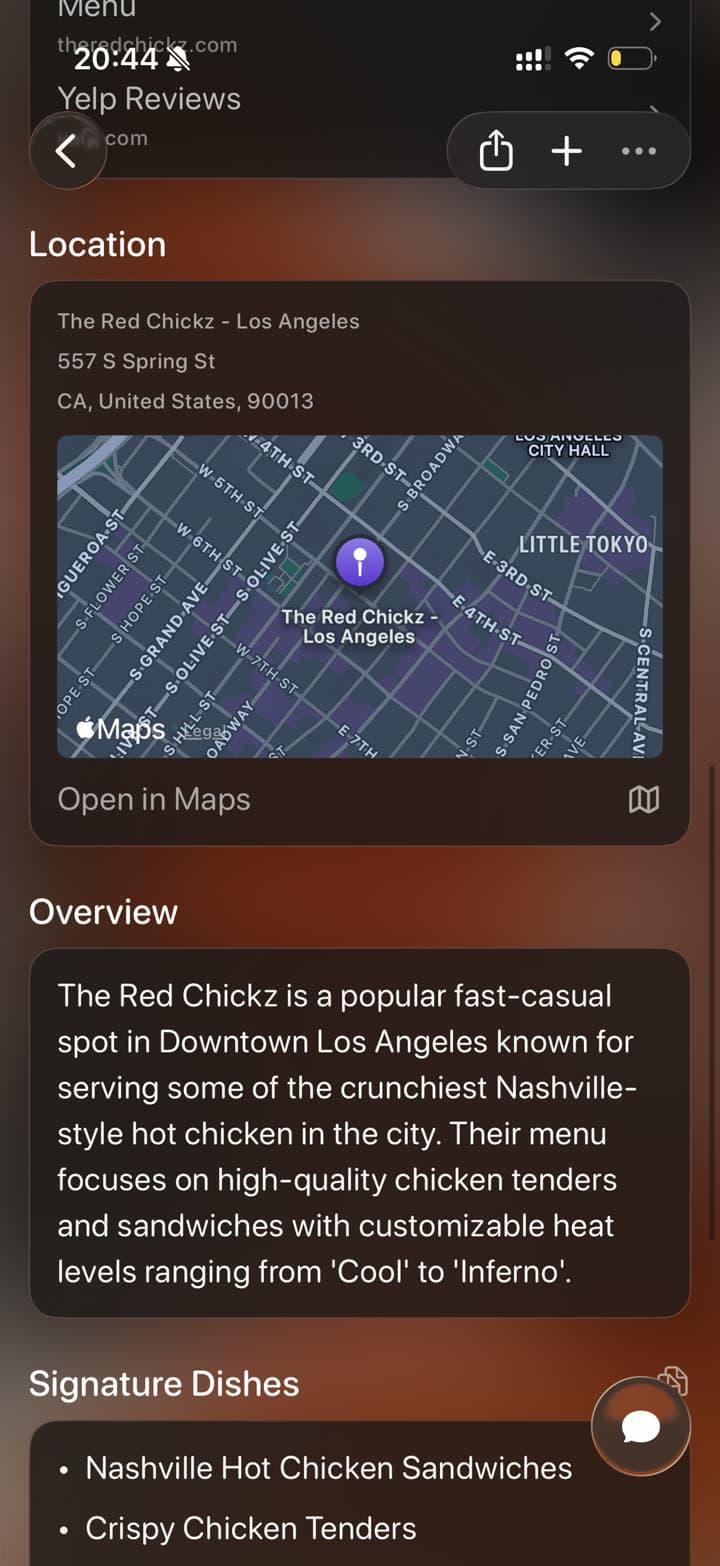
A restaurant screenshot organized in Tote with map and overview
After: place with map and notes

The real problem

Restaurant screenshots are hardest to find when dinner is near.

Food recommendations spread across Instagram Reels, TikToks, Google Maps, Yelp, Resy, texts, and camera roll screenshots. The screenshot might show the chicken, but not the neighborhood, address, menu, reservation link, or why you saved it.

Tote gives restaurant screenshots a place to become a useful place save. Keep the source, map context, overview, links, and lists together for date night, trips, neighborhoods, or group plans.

How to Save Restaurant Screenshots to Tote

  1. Screenshot the restaurant Reel, menu, map result, review, or group chat recommendation.
  2. Open the screenshot and tap Share, or share the original restaurant post directly when available.
  3. Choose Tote and let it identify the place name, location details, food notes, source, and useful links.
  4. Add it to a list such as LA Restaurants, Tokyo Trip, Date Night, Brunch, or Places Near Work.
  5. Search later by dish, neighborhood, cuisine, creator, city, or the person you planned with.
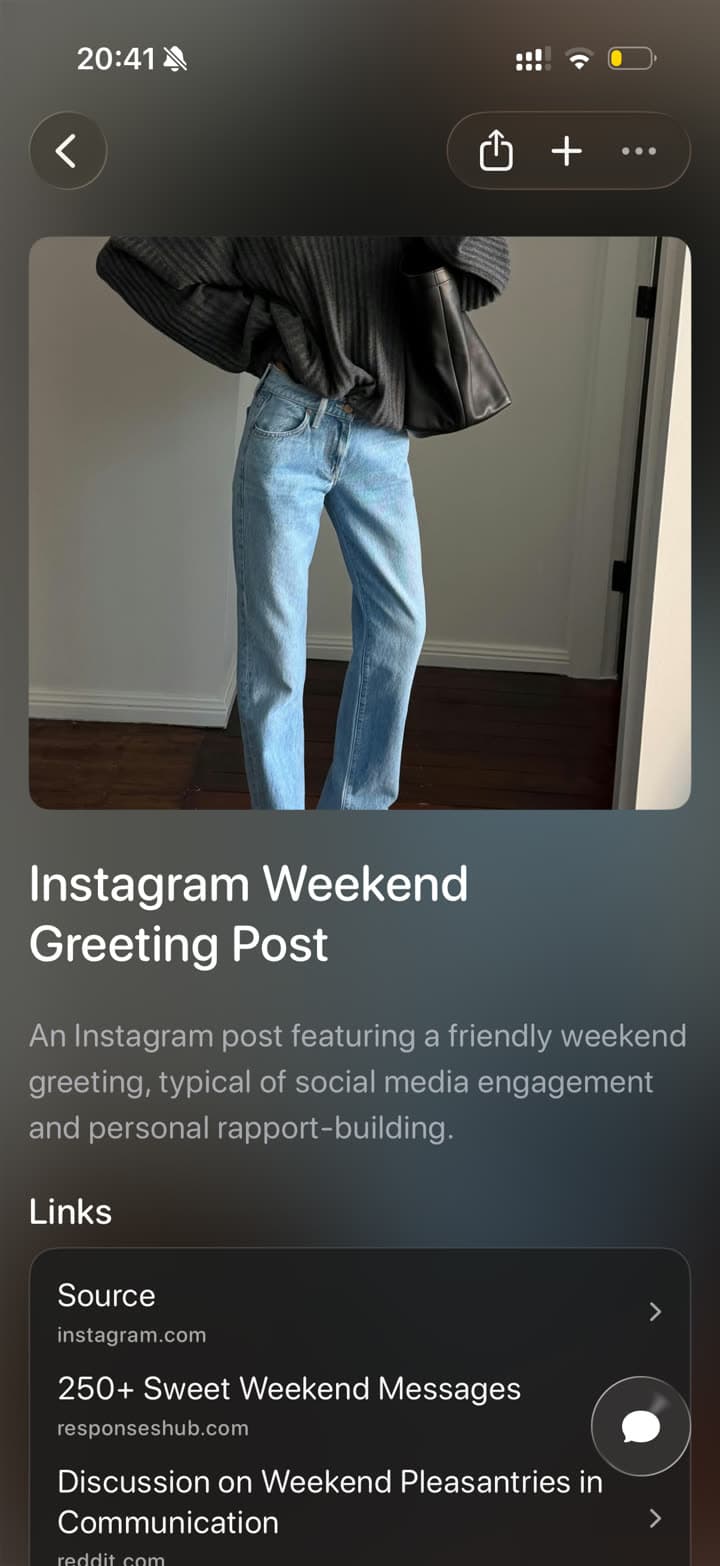
What Tote Captures

  • restaurant name, address, neighborhood, and map context when visible
  • signature dishes, menu details, reservation links, and website links
  • source links from Instagram, TikTok, Safari, Maps, or messages
  • lists by city, trip, neighborhood, meal, occasion, or group plan
  • notes about why you saved the place and who it is for

Best Uses

  • Instagram restaurant Reels with dishes you want to try
  • TikTok food videos and local recommendation screenshots
  • Maps, Yelp, and menu screenshots for trip planning
  • group chat restaurant ideas that need a real list

What to Know

  • Screenshots may not include live hours, menus, or reservation availability, so check the source before you go.
  • If a place name is hidden, save the original post or add a short note to make it easier to find later.
  • Tote organizes research; it does not replace live booking or map navigation.

FAQ

Screenshot Saving Questions

Can Tote organize restaurant screenshots by city or trip?

Yes. Add restaurant screenshots and food videos to lists by city, neighborhood, trip, cuisine, or occasion so they sit beside maps, reservation links, and notes.

Can I save restaurants from Instagram and Maps together?

Yes. Tote can keep Instagram Reels, TikToks, Maps links, Safari pages, screenshots, and notes together so restaurant research is not split by source app.

Save Screenshots Before They Disappear Into Photos

Send important screenshots to Tote, then find them later by what they show, where they came from, or the list they belong to.

Download on the App Store